Form Report
The Form Report is a company-wide, filterable list of every completed form submission -- safety inspections, toolbox talks, quality checklists, and any other safety form your organization uses. Use it to search across all submissions at once, narrow the list down with filters, open any individual submission, and export the current view to CSV.
Unlike Form Inbox -- which is a personal, two-pane list/detail view scoped to what you need to review -- Form Report is a single flat table meant for auditing and reporting across the whole instance. It only lists submissions with a final result (Pass, Fail, or Resolved); forms a worker has started but not yet submitted (Draft) don't appear here.
Navigation
Sidebar → Forms → Form Report
URL: /overview/form-submission-report
Overview
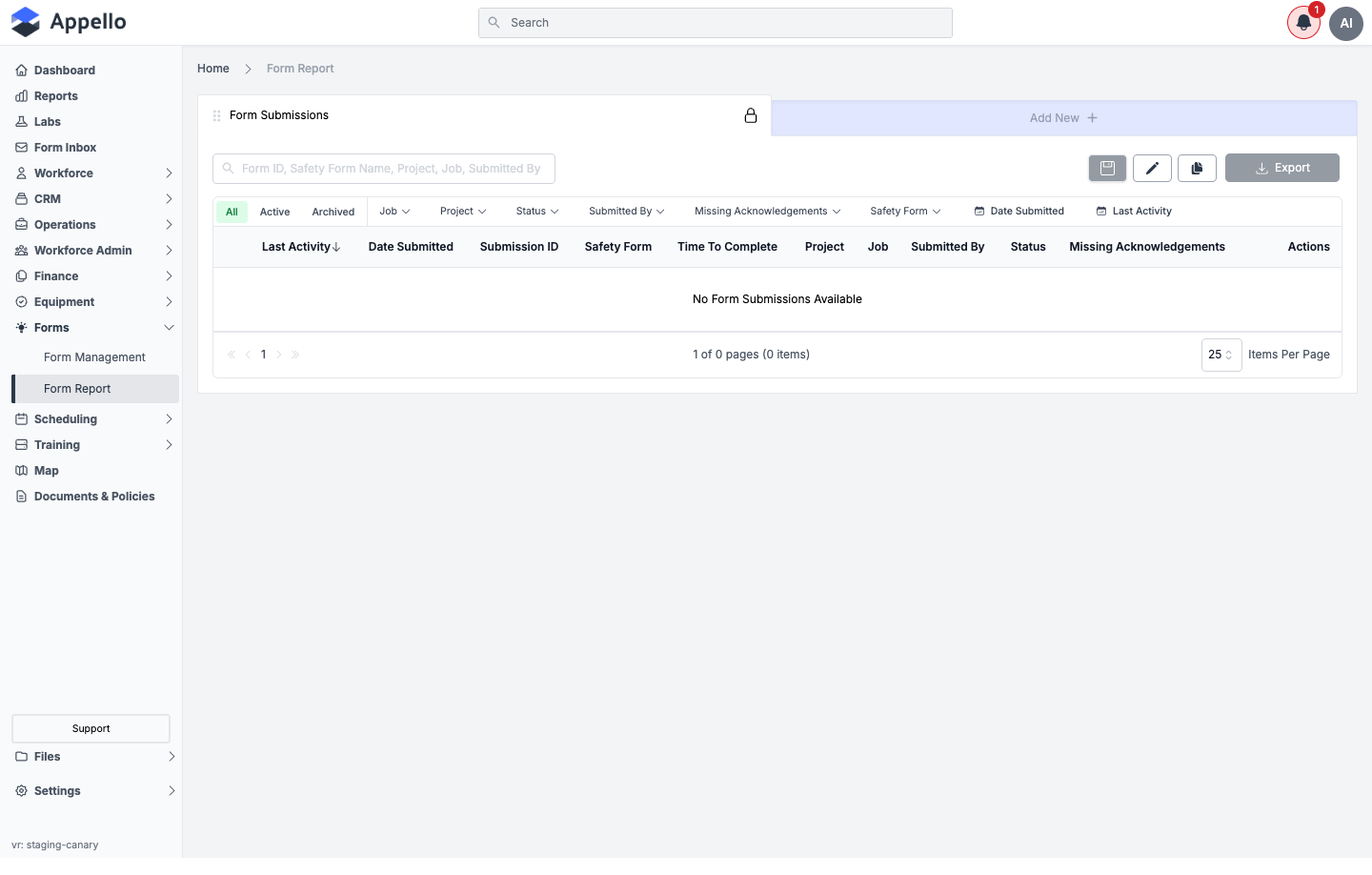
The page title inside the card reads Form Submissions. Above the table:
- A search box (placeholder: "Form ID, Safety Form Name, Project, Job, Submitted By") searches across those fields at once.
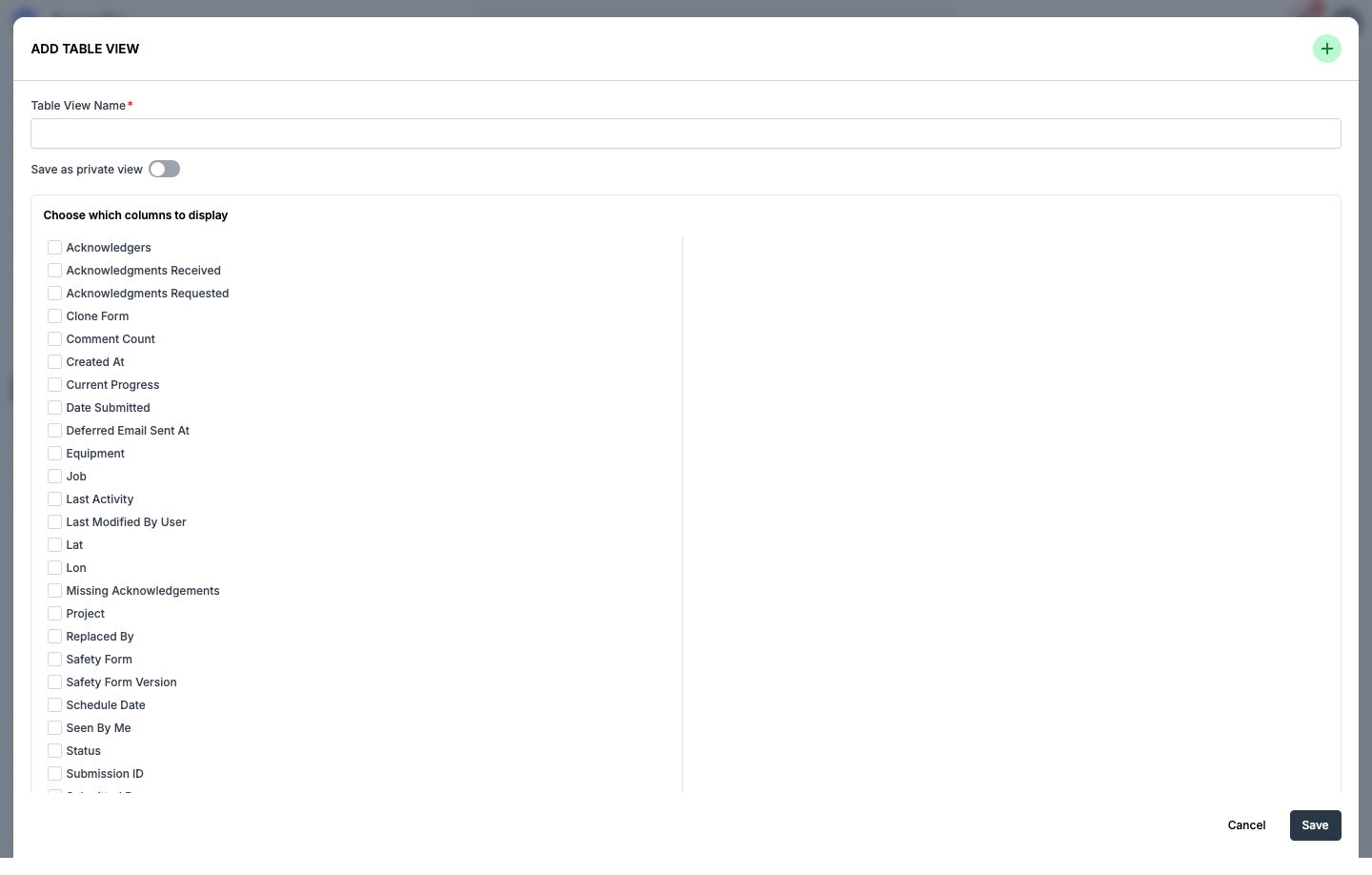
- Add New opens an Add Table View panel for building a custom saved view of this table -- it does not create a new form submission. See Custom Views and Columns below.
- Export downloads the current view as a CSV. See Export below.
The screenshots on this page were captured against a demo instance with zero completed form submissions, so the table, filters, and columns are all shown in their empty state.
Tabs
| Tab | Description |
|---|---|
| All | Every submission regardless of archive state. This is the default tab. |
| Active | Only submissions that haven't been archived. |
| Archived | Only submissions that have been archived. |
Filters
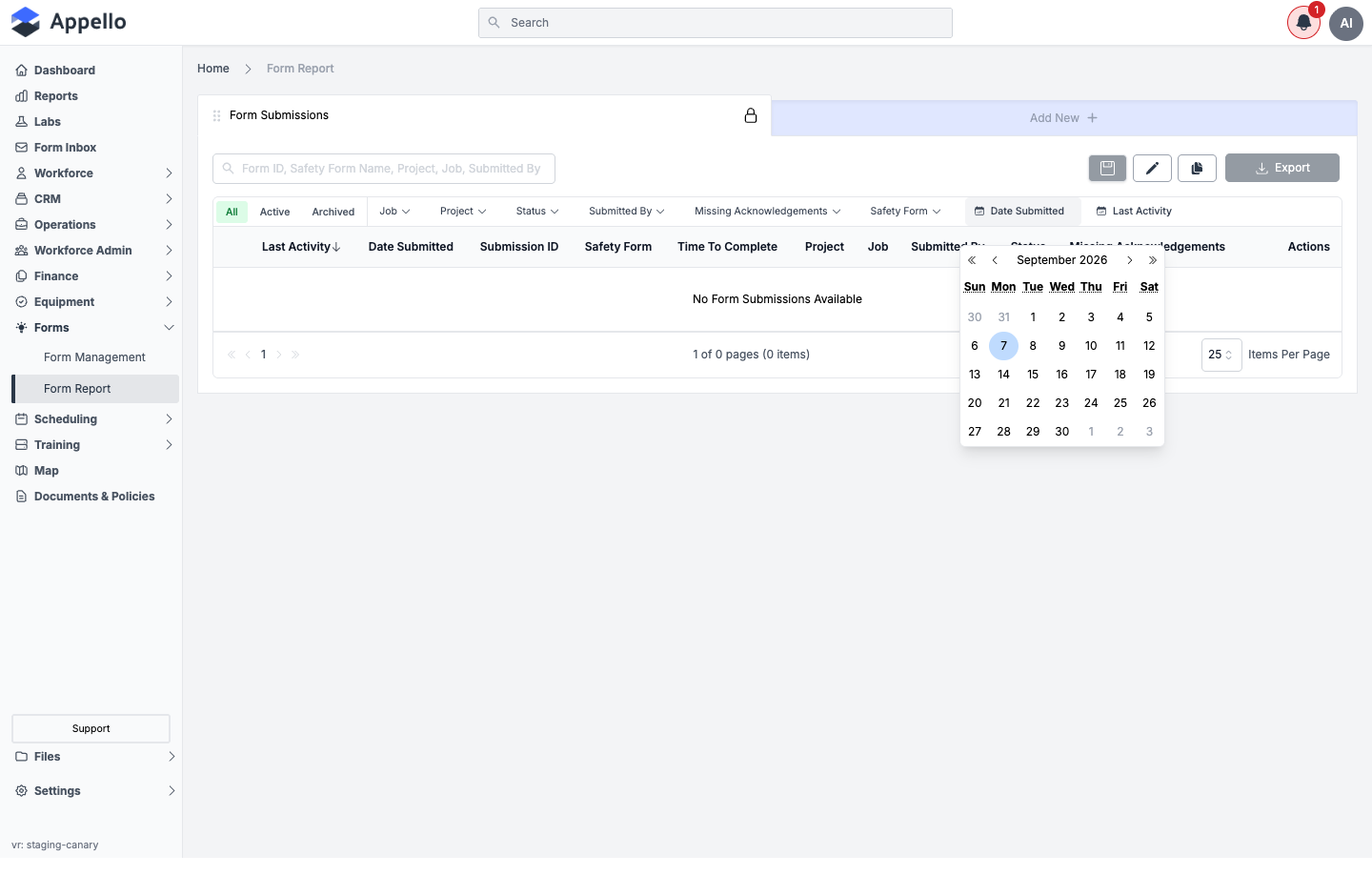
Each filter opens a dropdown -- a searchable checklist for the picker filters shown above, or a calendar for the two date filters:
| Filter | Narrows the list to submissions where... |
|---|---|
| Job | ...the submission is tied to one of the selected jobs. |
| Project | ...the submission's job belongs to one of the selected projects. |
| Status | ...the result (Pass / Fail / Resolved) is one of the selected values. |
| Submitted By | ...the submission was filled out by one of the selected users. |
| Missing Acknowledgements | ...the submission has an outstanding required acknowledgement/signature. |
| Safety Form | ...the submission is for one of the selected form templates. |
| Date Submitted | ...the submission was submitted within the selected date range. |
| Last Activity | ...the submission was last updated within the selected date range. |
Every picker filter (Job, Project, Status, Submitted By, Missing Acknowledgements, Safety Form) builds its option list from the submissions the report currently sees. With zero submissions on the demo instance, all six show "No ___ Options Available" -- this is the empty-data state, not a broken control. Only the two date filters (Date Submitted, Last Activity) show a real, working calendar regardless of data.
Per-Form Breakdown
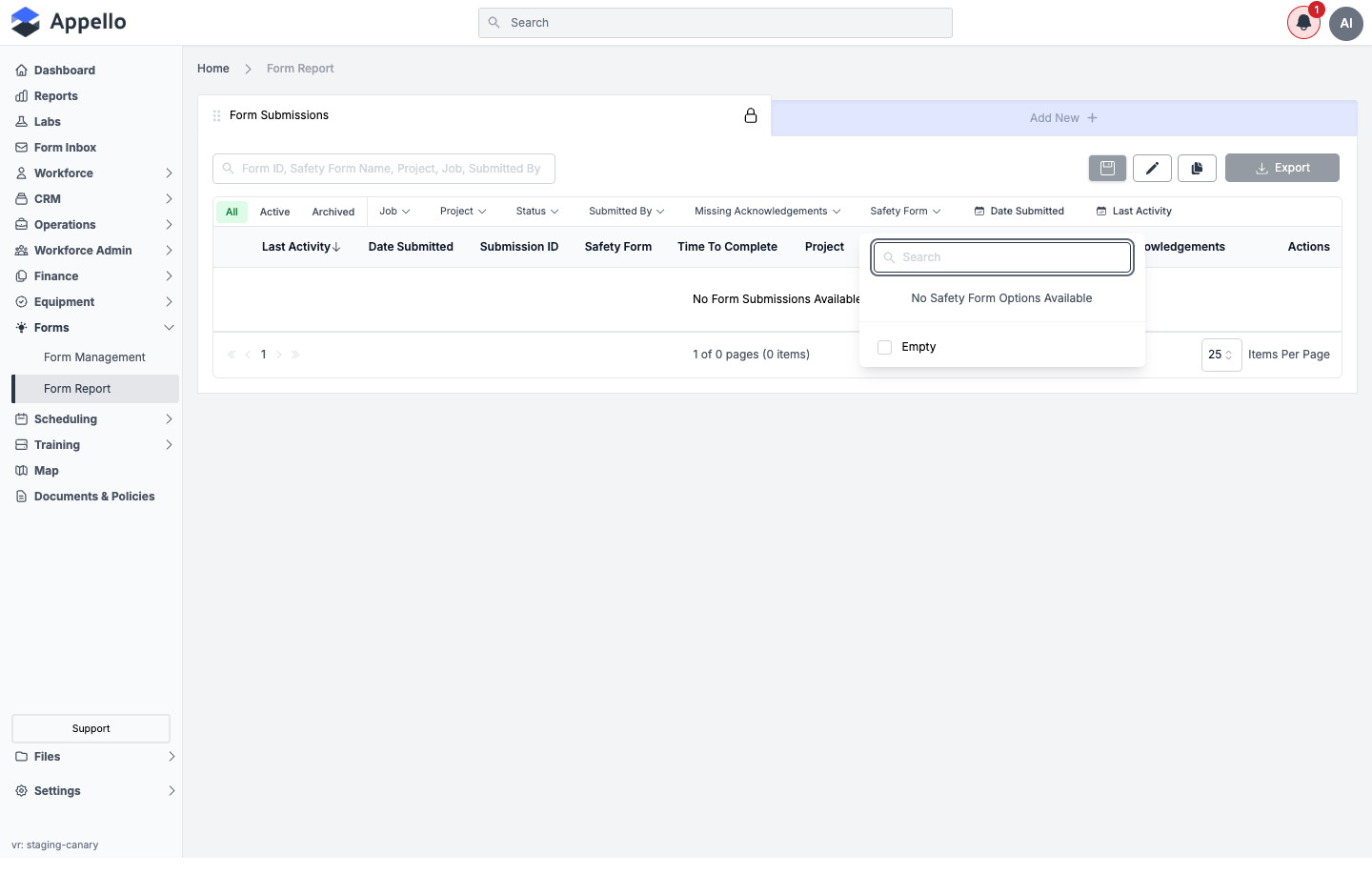
There's no separate "submissions by form" chart or tile on this page. To see how many submissions exist for a given form template, use the Safety Form filter to select the template(s) you want, then read the item count at the bottom of the table (for example "1 of 3 pages (62 items)"). Combine it with the Status or date filters to narrow further -- for example, "Fail" submissions for one form in the last 30 days.
Drilling into a Compliance Metric
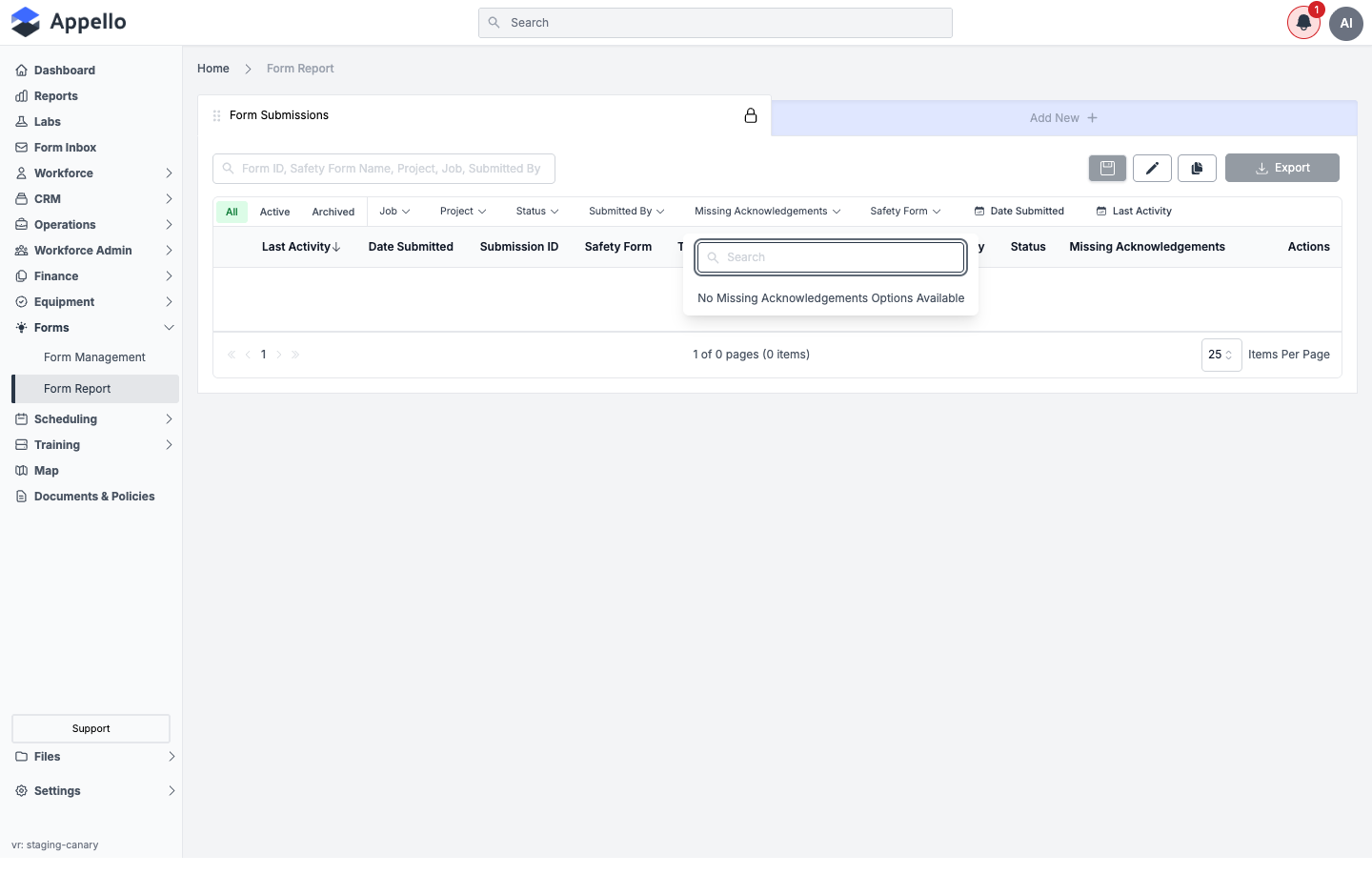
The closest thing to a "metric" on this page is Missing Acknowledgements. Rather than a count displayed up front, it's a filter: select it to narrow the table down to only the submissions still waiting on a required acknowledgement/signature, then open any of those rows to see who specifically hasn't signed yet (see Viewing a Submission below).
Custom Views and Columns
The default table shows these columns: Last Activity, Date Submitted, Submission ID, Safety Form, Time To Complete, Project, Job, Submitted By, Status, Missing Acknowledgements, and Actions. Four of these -- Submission ID, Safety Form, Submitted By, Date Submitted -- are always shown and can't be removed.
Clicking Add New opens an Add Table View panel instead of a submission form. From there you can:
- Give the view a Table View Name.
- Optionally turn on Save as private view so only you see it (left off, it's shared with your team).
- Check which columns to display. Beyond the defaults above, the checklist includes fields such as Acknowledgers, Acknowledgments Received, Acknowledgments Requested, Comment Count, Created At, Current Progress, Equipment, Lat, Lon, Replaced By, Safety Form Version, Schedule Date, and Seen By Me.
- Click Save to add it as a new tab next to All / Active / Archived.
This is where the "breakdown by X" reporting actually happens on this page -- there's no pre-built "By Job" or "By Worker" widget. You build a view with the columns you want (Job, Submitted By, and so on), apply filters, and read the table. Time To Complete and Current Progress are calculated columns -- how each one is worked out isn't described in this guide.
Viewing a Submission
Click a row's View Response > link in the Actions column to open the full submission
in a new tab, at /safety-inspection-forms/<formId>/<submissionId>.
The demo instance used for these screenshots has no completed submissions, so this walkthrough couldn't be captured live. The detail page is the same underlying view used by Form Inbox -- it shows the submission's status badge, signatures, comments, submitted answers and photos, and location. See that page's Reviewing a Submission section for what it looks like populated.
Compliance Use Cases
| Use Case | How Form Report Helps |
|---|---|
| COR Audit | Filter to Safety Form and a date range, then export the list for the audit period. |
| JHSC Review | Filter to a date range to pull a period's safety inspections and toolbox talks. |
| Client Reporting | Export the filtered list as CSV for a general contractor's records. |
| Incident Follow-Up | Filter by Safety Form and Status (Fail) to track incident reports and their resolutions. |
Export
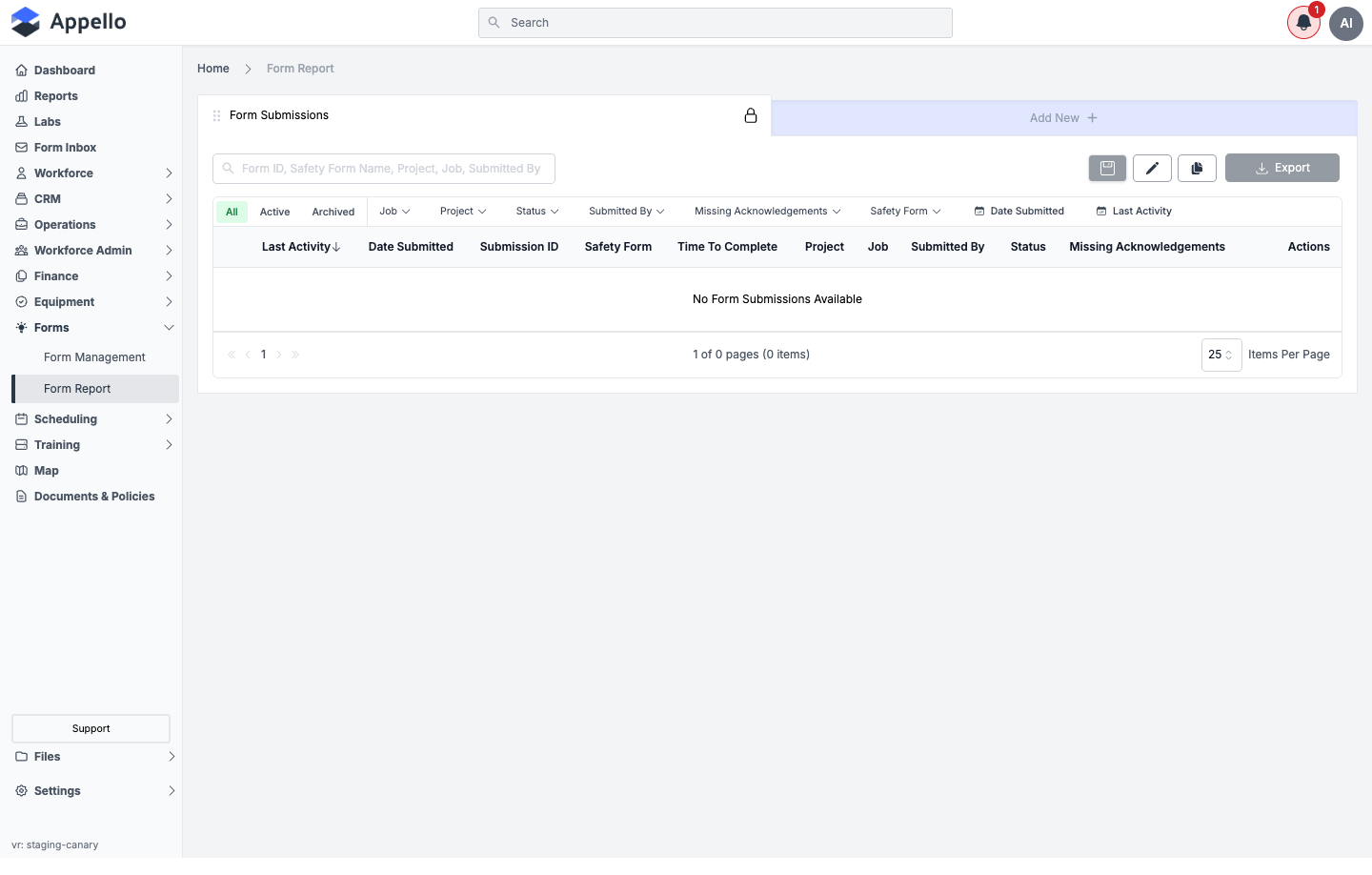
Clicking Export immediately downloads a CSV of the current table view -- whichever tab, filters, and columns are currently applied -- with no options dialog in between.
This list-level Export is CSV only. A per-submission PDF printout exists, but it's on the individual submission's detail page (opened via View Response), not here -- it matches the Export option in Form Inbox's settings menu. That PDF export lets you hide the result or description, include photos and attached files, and exclude specific questions before generating the file.
Permissions
To open this page you need:
- Form Submission → View
Related Pages
- Form Inbox -- Review, sign off on, and resolve individual submissions
- Form Submission Detail -- The full record a View Response link opens
- Form Builder & Management -- Create and configure form templates
- Safety Form Report -- The same submission data, grouped by form template instead of one flat list (below, on this page)
Safety Form Report
URL: /overview/safety-form-report
This is a second, related report living at a different URL, documented here rather than on its own page so the two aren't confused. Three different labels appear for it depending on where you look -- the browser tab reads Safety Forms Overview, the on-page heading reads Form Submissions Overview, and the breadcrumb reads Form Submission By Form Report. This guide calls it Safety Form Report to match its URL and avoid a fourth name.
Where it is
There is no sidebar link or command-palette entry for this page -- the sidebar and the command
palette only point to Form Report (/overview/form-submission-report). It's
reachable only by navigating directly to the URL, or via a bookmarked/shared link:
URL: /overview/safety-form-report
What it's for
Instead of one flat table of every submission (which is what Form Report shows), this page groups submissions by safety form template -- one collapsible section per form that has at least one matching submission, each showing its own Pass/Fail/Resolved counts. It covers the same submissions as Form Report (all forms, not safety-only forms specifically -- "safety form" here just means "form template," matching this instance's terminology), reorganized by template rather than by date.
This is not the Safety Compliance Report. This page lists the form templates that have
matching submissions, while the Safety Compliance Report (BETA) at
/reports/safety-compliance-report -- documented on
Training and Safety Compliance Reports
-- is a separate report. That one answers "was every required form signed for each job on a
given day"; this page answers "how many submissions does each form template have, and what were
the results."
Screenshot
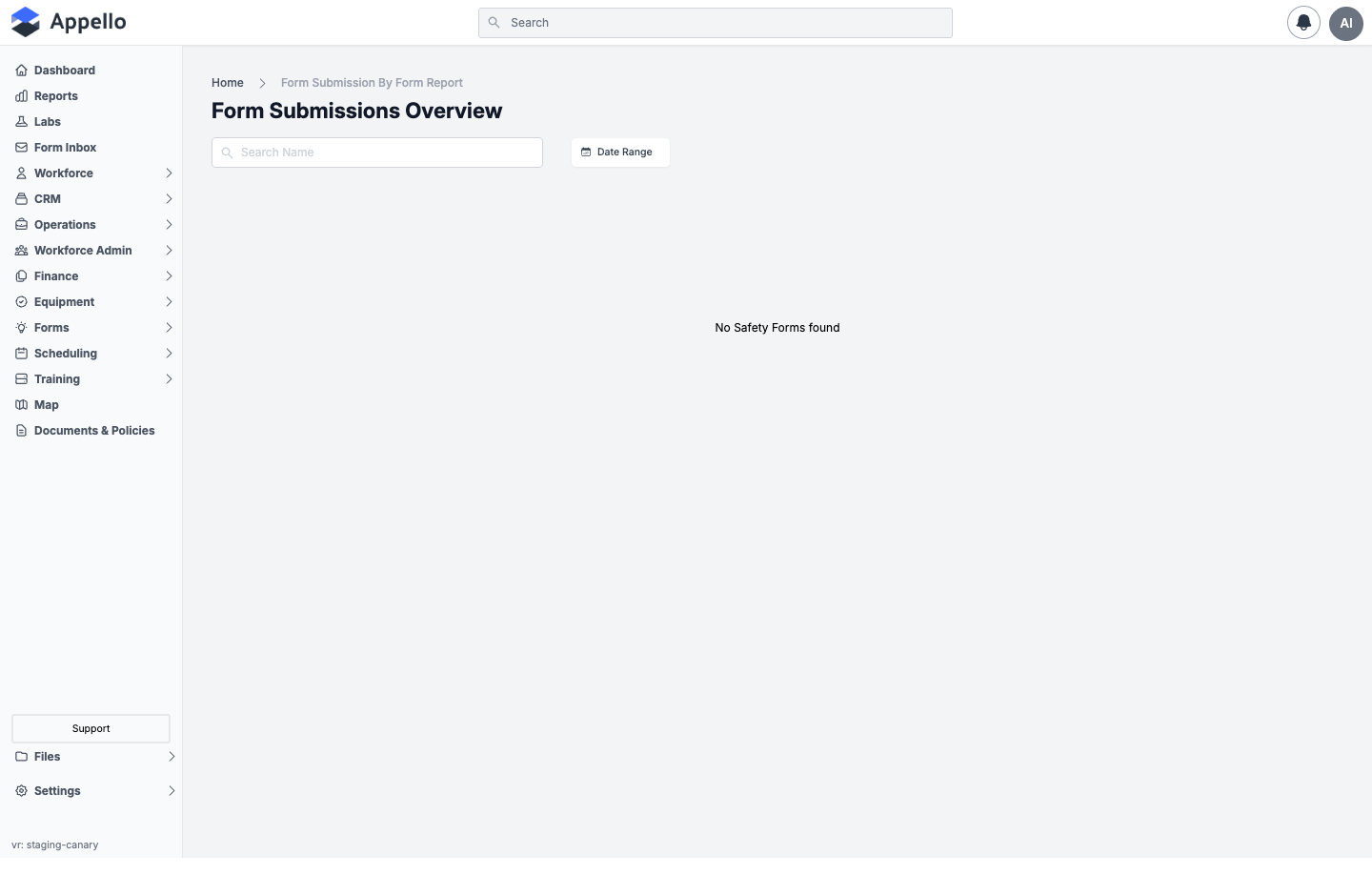
Shown empty on the demo instance -- it has zero completed form submissions (the same condition noted above for Form Report), so no form templates come back and the page shows No Safety Forms found instead of any accordion sections.
Screenshot -- filter open
Controls
| Control | Description |
|---|---|
| Search Name | Free-text search that filters which form templates are listed, by the template's name. Unlike Form Report's search, it does not search submission fields like submitter or job. |
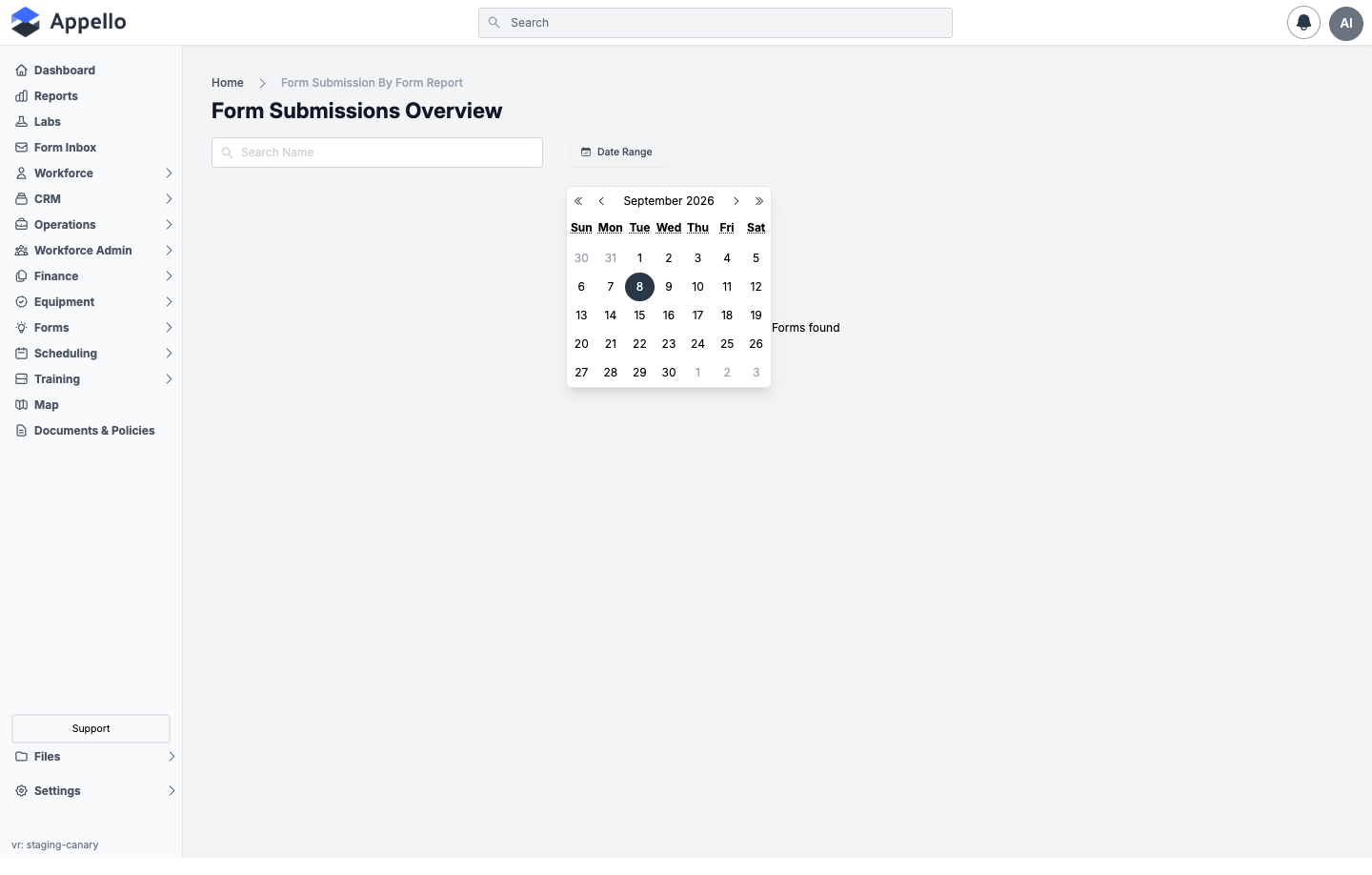
| Date Range | A single calendar-range picker. It narrows which form templates appear (only templates with a submission whose activity falls in the range) and is passed down as the date scope for that template's submission table once expanded. |
Grouping and what's inside each section
Each form template with at least one matching submission renders as its own collapsible section:
| Element | Description |
|---|---|
| Section title | The form template's name, with an external-link icon that opens that template's own page at /safety-inspection-forms/<formId>?tab=form-submissions. |
| Pass / Fail / Resolved badges | Counts of submissions in each result state for that template, matching the current Search Name and Date Range. |
| Expanded contents | The same submission table documented under Custom Views and Columns and Filters above -- same columns, same filters, same Export -- pre-scoped to submissions of that one form template. |
How to run it
- Navigate directly to
/overview/safety-form-report(no sidebar link points here). - Optionally type into Search Name to narrow which form templates are listed.
- Optionally pick a Date Range to narrow both which templates appear and the data scope inside them.
- Click a form template's section to expand it and see its own submission table, filters, and Export -- as described for Form Report above.
Permissions
To open this page you need:
- Form Submission → View
Related pages
- Form Report -- The same submissions as one flat, filterable table (this page, above)
- Form Inbox -- Review, sign off on, and resolve individual submissions
- Form Submission Detail -- The full record each expanded row's View Response link opens
- Form Builder & Management -- Create and configure form templates
- Reports hub -- The Health and Safety report cards (Certification Status, Employee Training Records, Employee Training Matrix, Safety Compliance Report) live here, separate from this page and from Form Report -- neither of which is a Reports-hub card
- Training and Safety Compliance Reports -- The Safety Compliance Report (BETA), a different report at a different URL (see the note above)