Authentication — Sign In
This page lives under /docs/qa/ and is the authoritative reference for how we test and validate the sign-in flow. It exposes test-runner internals (testIDs, fixture names, runner-step captions) by design — the audience is engineers writing flows, reviewing test failures, or reasoning about coverage. Customer-facing sign-in documentation is generated separately from this same spec; do not link readers here from public marketing or onboarding content.
One-sentence purpose. Sign in to Appello on either desktop or mobile so the rest of the app — schedule, jobs, timesheets, forms — is reachable.
Why this exists
Appello is multi-tenant: each customer gets their own subdomain
({slug}.useappello.app) and a dedicated GraphQL endpoint. Authentication
has two jobs — first, identify which tenant the user belongs to, and
second, prove which user within that tenant they are. Desktop encodes
the tenant in the URL so the landing page can go straight to credentials.
Mobile can't rely on a URL, so the app asks for the company slug first,
resolves it to a tenant API URL, and then collects credentials. Field
crews without corporate email also need a way in — that's the PIN +
last-name flow, which only mobile exposes.
Personas
| Persona | Frequency | What they do with it |
|---|---|---|
| Foreman / field worker | Daily, mobile | Email + password sign-in on the iPhone in the truck or on site |
| Office admin / PM | Daily, desktop | Email + password sign-in at the desk, often via SSO-managed Google account |
| Crew member without email | Daily, mobile | PIN + last-name sign-in (the assigned PIN is short, the last name disambiguates) |
| IT / customer admin | Once per tenant | Knows and distributes the company slug; sets up the user's email and PIN |
Surfaces
Desktop
- Entry point:
https://{slug}.useappello.app— the landing page is the sign-in page. There is no slug-entry step; the URL encodes the tenant. - Form fields: email, password, sign-in button. Branded with the company logo.
- On success: lands the user on the desktop home (Jobs/Projects view by default for admins; Crew view for non-admin users).
- Forgot password: link present on the login page, sends a reset email.
Mobile
- Entry point: cold-launch of the Expo app → company-slug screen if no slug remembered, otherwise jumps straight to the sign-in screen for the remembered tenant.
- Company slug screen (
app/company-select.tsx,testID: company-select-screen)company-slug-input— text input (autoCapitalize off, autoCorrect off)continue-button— submits; callsresolveCompany(slug)which validates the tenant URL and writes{slug, url, graphqlUrl}tocompanyStorelanguage-toggle— EN/ES switcher
- Sign-in screen (
app/sign-in.tsx,testID: sign-in-screen) — shown only after a successful company resolveswitch-company-button— top-left link that clears the slug and returns to the company-slug screentab-email/tab-pin— toggle between the two auth methods- Email tab:
email-input+password-input(SecureTextField) +sign-in-button - PIN tab:
last-name-input+pin-input(SecureTextField) +sign-in-button language-toggle— same EN/ES switcher- On success: writes
{token, user}toauthStore, and the app router redirects to the authenticated stack (Schedule tab by default).
User stories
- US-1 — As a foreman on a new device, I enter my company slug, then my email and password, so the app loads my company's data and lands me on the Schedule tab.
- US-2 — As an office admin at my desk, I open
{slug}.useappello.appand sign in with email + password, so I can manage jobs and projects from the desktop home. - US-3 — As a crew member without a corporate email, I switch to the PIN tab on the mobile sign-in screen, enter my PIN and last name, and land on the Schedule tab.
- US-4 — As a user switching between two Appello instances, I tap "Switch company" on the mobile sign-in screen, change the slug, and sign into the other tenant without uninstalling the app.
Capabilities matrix
| Capability | Desktop | Mobile | Notes |
|---|---|---|---|
| Email + password sign-in | ✅ | ✅ | Primary auth on both surfaces; verified end-to-end in flows/auth/login.yaml |
| PIN + last-name sign-in | ❌ | ✅ | Mobile-only; designed for crews without corporate email; not yet verified by a flow |
| Company slug entry | n/a (URL) | ✅ | Mobile resolves slug via resolveCompany before showing credentials |
| Switch company (clear slug) | n/a (close tab) | ✅ | "Switch company" link top-left of mobile sign-in; not yet verified by a flow |
| Language toggle (EN/ES) | ❌ | ✅ | Desktop sign-in page does not expose a language toggle (verified 2026-05-19) |
| Forgot password | ✅ | ❌ | Desktop has "Forgot your password?" link → reset email; mobile has no affordance |
| Show/hide password | ✅ | ❌ | Desktop sign-in has a "Show" button next to the password field; mobile does not |
| Remember credentials | ✅ (browser) | ✅ (__DEV__ reads EXPO_PUBLIC_DEV_* envs) | Production mobile relies on authStore token persistence, not remembered credentials |
| Remember me toggle | ✅ | ❌ | Desktop has an explicit "Remember me" toggle next to the form |
| Mobile-app redirect link | ✅ | n/a | Desktop sign-in page has "Trying to log into the mobile app? Click here" — opens app store / deep link |
| Biometric unlock | ❌ | ❌ | expo-local-authentication is in the binary as of PR #24 but not wired into the sign-in flow yet |
| Sign-in error messaging | TBD | ✅ | Mobile surfaces signIn.errorEmailRequired / signIn.errorPasswordRequired etc. as red text under the form; desktop error UX not yet verified |
Key takeaways
- Authentication is always tenant-scoped — on desktop the tenant comes from the URL; on mobile the user types it in once and the app remembers it.
- Mobile has two auth paths (email/password and PIN/last-name) that share one screen via a tab toggle. The PIN path exists specifically for crews without corporate email.
- A successful mobile sign-in lands you on the Schedule tab. A successful desktop sign-in lands you on the tenant's home (Jobs/Projects for admins).
- Mobile users who need to switch between two tenants do so via the "Switch company" link — they don't need to uninstall or sign out via the drawer.
- Biometric unlock isn't wired yet; today every cold launch with no stored token requires a full email/password (or PIN/last-name) round-trip.
Coverage
Test flows that exercise this spec
| Flow | User stories | Status |
|---|---|---|
flows/auth/login.yaml | US-1 + US-2 | ✅ green |
flows/auth/login-pin.yaml | US-3 | 🟡 spec + YAML exist; awaiting first agent-driven run + PIN testcreds |
flows/auth/switch-company.yaml | US-4 | 🟡 spec + YAML exist; agent-driven run in progress |
Doc pages generated from this spec
| Page | Surfaces shown |
|---|---|
/qa/auth/login | desktop + mobile |
What we verified end-to-end on 2026-05-19
- US-2 (desktop) — drove
canary.useappello.appfrom a signed-out state through email + password sign-in, landing on the real authenticated dashboard. Capturedlogin-web-01-sign-in-page.png(signed-out form),login-web-02-credentials-filled.png(creds entered, password masked),login-web-03-landing.png(authenticated home with Appello logo, full nav rail, Company Metrics widgets, Active Notes feed, Upcoming Vacation/Leave panel). - US-1 (mobile) — cold-launched the freshly-cleared app on the iPhone 17 simulator. Dismissed the Expo dev launcher / dev-menu drawer, reached the company-select screen, entered
canary, advanced to the sign-in screen, submitted email + password, dismissed the post-login "Stay in the loop" notification carousel, and landed on the Schedule tab. 17 runner steps, all green; the doc page collapses consecutive byte-identical frames so the reader sees 9 unique screens with merged captions.
Open issues (file these)
Issues surfaced while building this flow that still need product/engineering follow-up:
- Dev launcher friction is opaque — development builds always intercept a cold launch with the Expo dev launcher (
http://localhost:8081cell), then the React Native dev-menu onboarding card, then a persistent dev-menu drawer that re-opens on JS navigation. Thelogin.yamlflow has fourtapIfPresentsteps just to dismiss them. Production-grade fix is to move this into the runner'sensureAppReadyso every flow benefits. - "Maybe later" testID is
carousel-secondary— the post-login notification-permission carousel uses genericcarousel-primary/carousel-secondaryaccessibility ids rather than semantic ones likenotification-onboarding-skip. Renaming would make flows self-documenting (and would survive copy changes from "Maybe later" → "Not now" etc.). - Ionicons.ttf cascade pollutes LogBox — every authenticated screen accumulates 20-30 unhandled-promise-rejection errors from
Image.getSizefailing onhttp://127.0.0.1:8081/assets/?unstable_path=...@expo+vector-icons.../Ionicons.ttf?platform=ios&hash=.... Pure dev-build noise, but it surfaces a LogBox pill on every screen and inflates page-source diffs. Likely a Metro asset-resolver quirk with the pnpm.pnpmflat tree. - Runner logged the password in plaintext —
clearAndSetValue(password-input) ="1_Need_T0_5et_A_Pa55w0rd"appears in stdout. The runner should mask values whose target ispassword-input/pin-input/ contains the substringpassword. Filing as a runner hardening task before the suite runs in CI.
Discovered during the switch-company agent run (2026-05-19)
__DEV__env preset re-fills the slug input on Switch Company round-trip —companyStore.clearCompany()clears the persisted slug, but the company-select screen's local state initializes fromprocess.env.EXPO_PUBLIC_DEV_COMPANY_SLUGwhenever__DEV__is true. So after tapping Switch Company you're back at the company-select screen withcanaryalready in the input rather than empty. Cosmetic — the round-trip still works — but worth being explicit so reviewers don't read "input pre-filled" as a clearCompany bug. In a release build the input would be empty.
Resolved during this flow's build
Issues surfaced by this spec that have already been fixed — kept as a record so the same regression doesn't slip back in:
- Runner counted
skipas not-pass — resolved in PR #31 commitca6df49.tapIfPresentreturnsstatus: 'skip'by design when the target is absent, butrunFlowpreviously only treatedpassas ok, so any flow with a no-op defensive step reported red even with every real assertion green. Fix:stepsOk = stepResults.every(r => r.status === 'pass' || r.status === 'skip'). - Runner set
APPELLO_REPORT_DIRafter seed — resolved in PR #31 commitca6df49. Desktop seed fixtures callingcaptureWebScreenshotsilently no-op'd because the env var hadn't been set yet, so web evidence never made it onto the doc page. Fix: env vars now exported before the seed phase runs. - Doc page repeated the same screenshot 4–5 times — resolved in PR #31 commit
fdf6a63. The runner captures after every step regardless of whether the step changed the UI; the doc generator now SHA-256-hashes consecutive frames and collapses runs of identical bytes into one image with merged captions. Mobile section dropped from 17 frames to 9. - Desktop "landing" screenshot was the redirect spinner — resolved in PR #31 commit
fdf6a63. Theauth.signInFromSignedOutDesktopfixture only waited on URL +networkidle, both of which fired before the auth handshake's "Redirecting to Login…" intermediate page resolved. Fix: alsowaitForFunction(() => !/Redirecting/i.test(body.innerText))+ 1s layout settle.login-web-03-landing.pngwent from 8.8 KB (spinner) to 123 KB (real dashboard).
Known gaps
- Biometric unlock not wired into sign-in
- No "Forgot password" on mobile
- No 2FA / OTP path on either surface
- No SSO (Google / Microsoft / SAML) wired today
- PIN + last-name sign-in path (US-3) not yet covered by a flow
- "Switch company" reset path (US-4) not yet covered by a flow
- Sign-in error states (wrong slug, wrong creds, network down) not yet covered by a flow on either surface
Sources
Engineering — click through to the source of truth for this page:
- Spec (the narrative above):
e2e/appium/specs/auth/login.md - Flow (the YAML that ran the test):
e2e/appium/flows/auth/login-pin.yaml - Reproduce locally:
pnpm e2e:appium login-pin
Test evidence
Captured 2026-05-20 by the Appium suite running pnpm e2e:appium login-pin. Last run status: ✅ green.
The screenshots below are auto-captured every suite run. The narrative above is hand-curated in
e2e/appium/specs/auth/login.md— edit it there, not here.
Mobile
Performed by Appium against the iOS simulator running the Expo native app.
17 unique frames shown (4 consecutive duplicates collapsed — actions like tapIfPresent, hideKeyboard, and assertions that don't change the screen are merged into the frame they land on).
Steps 1–2 — Expo dev launcher — tap the localhost URL so the JS bundle loads (development builds only) · Wait for the JS bundle to download from Metro and mount
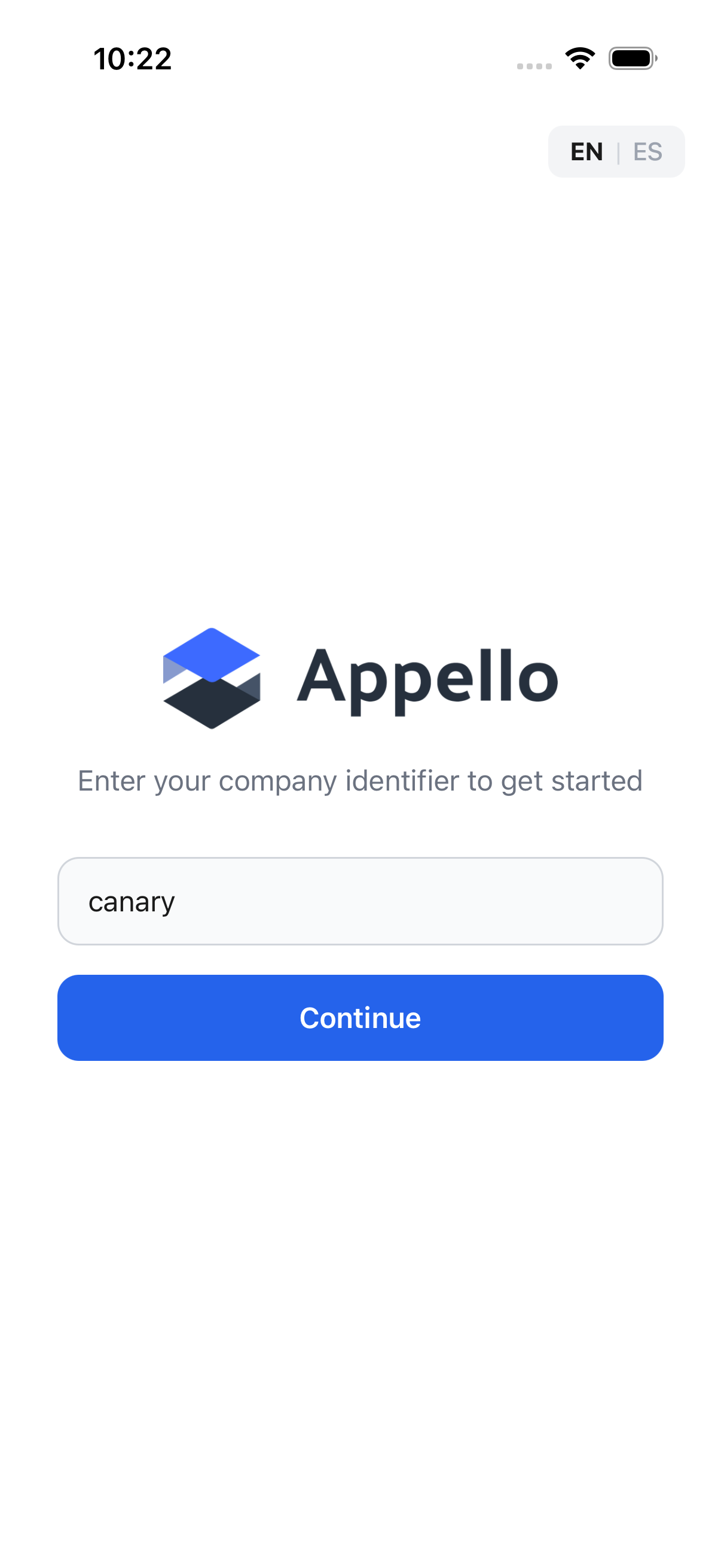
Steps 3–5 — Dismiss the React Native dev-menu onboarding card (first-launch only) · Close the persistent Expo dev-menu drawer if it lingers · The app cold-launches on the company-select screen (no slug remembered yet)
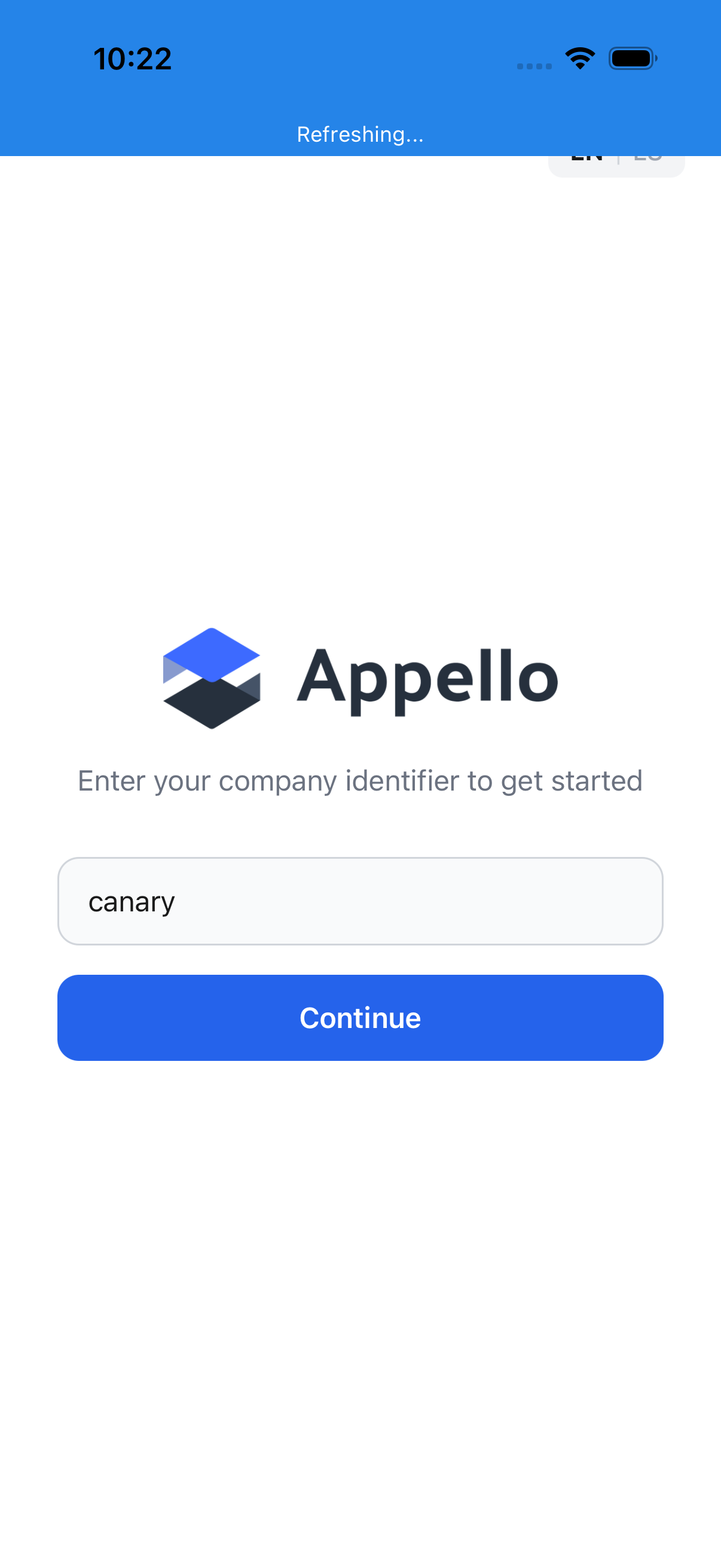
Step 6 — Enter the company slug — the tenant identifier baked into every Appello URL
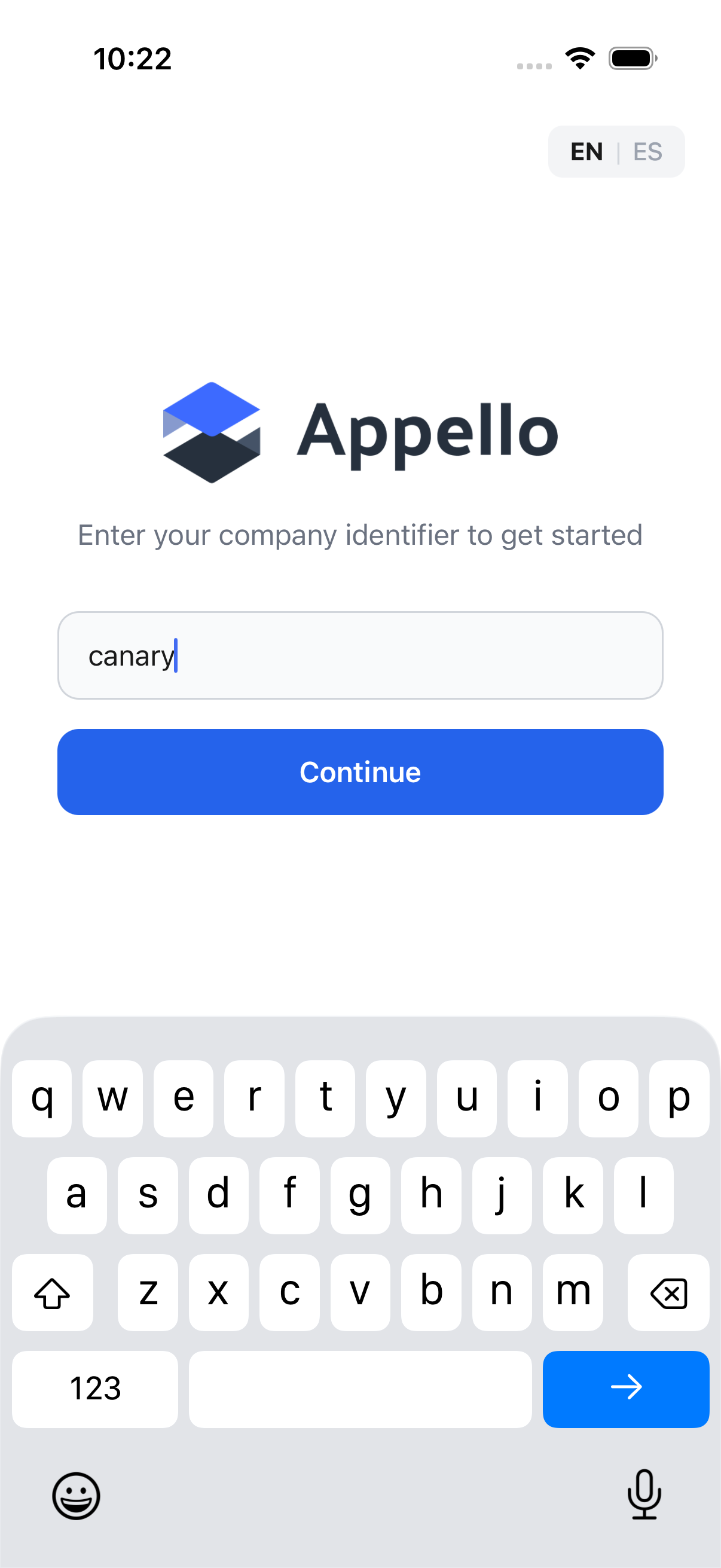
Step 7 — Dismiss the soft keyboard so it doesn't cover the Continue button
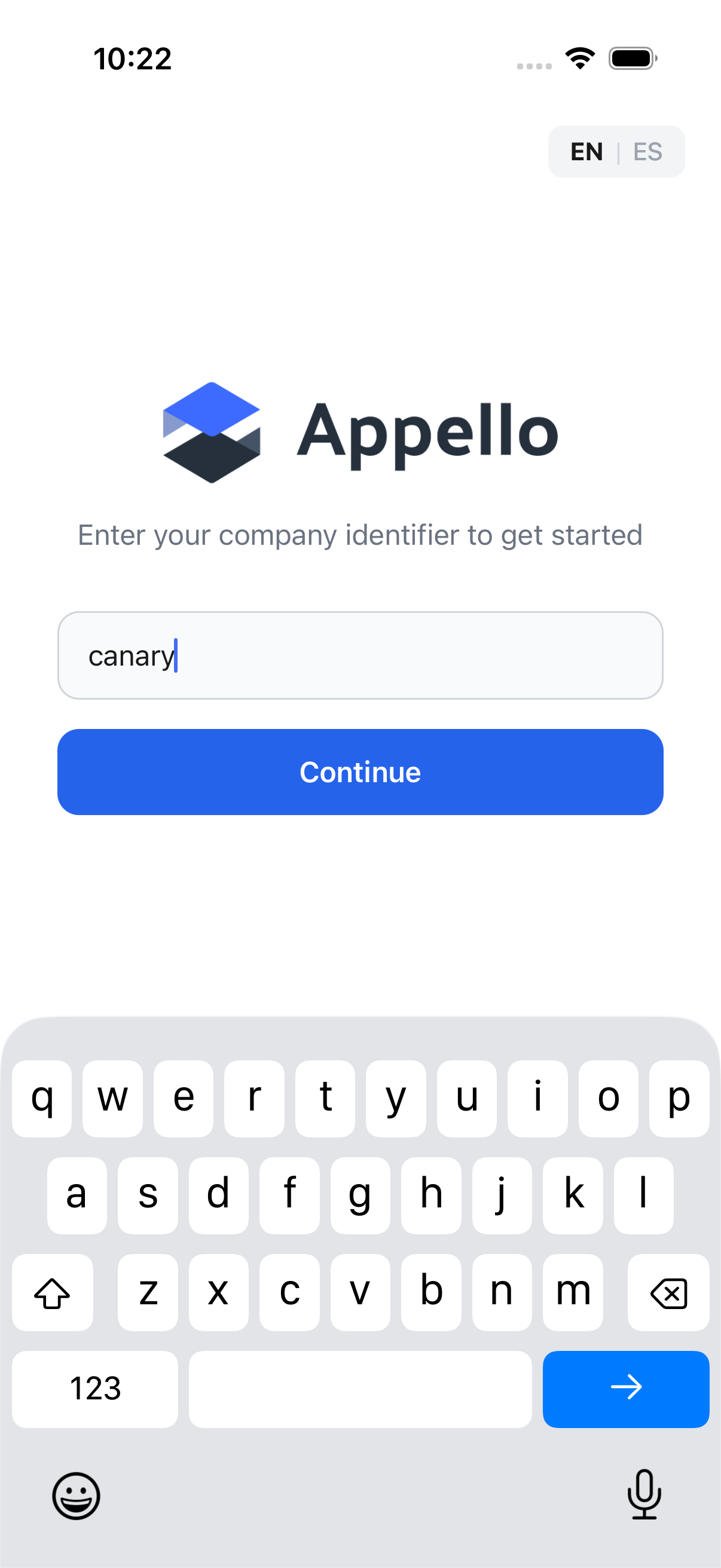
Step 8 — Tap Continue to resolve the slug to a tenant API URL and advance to sign-in
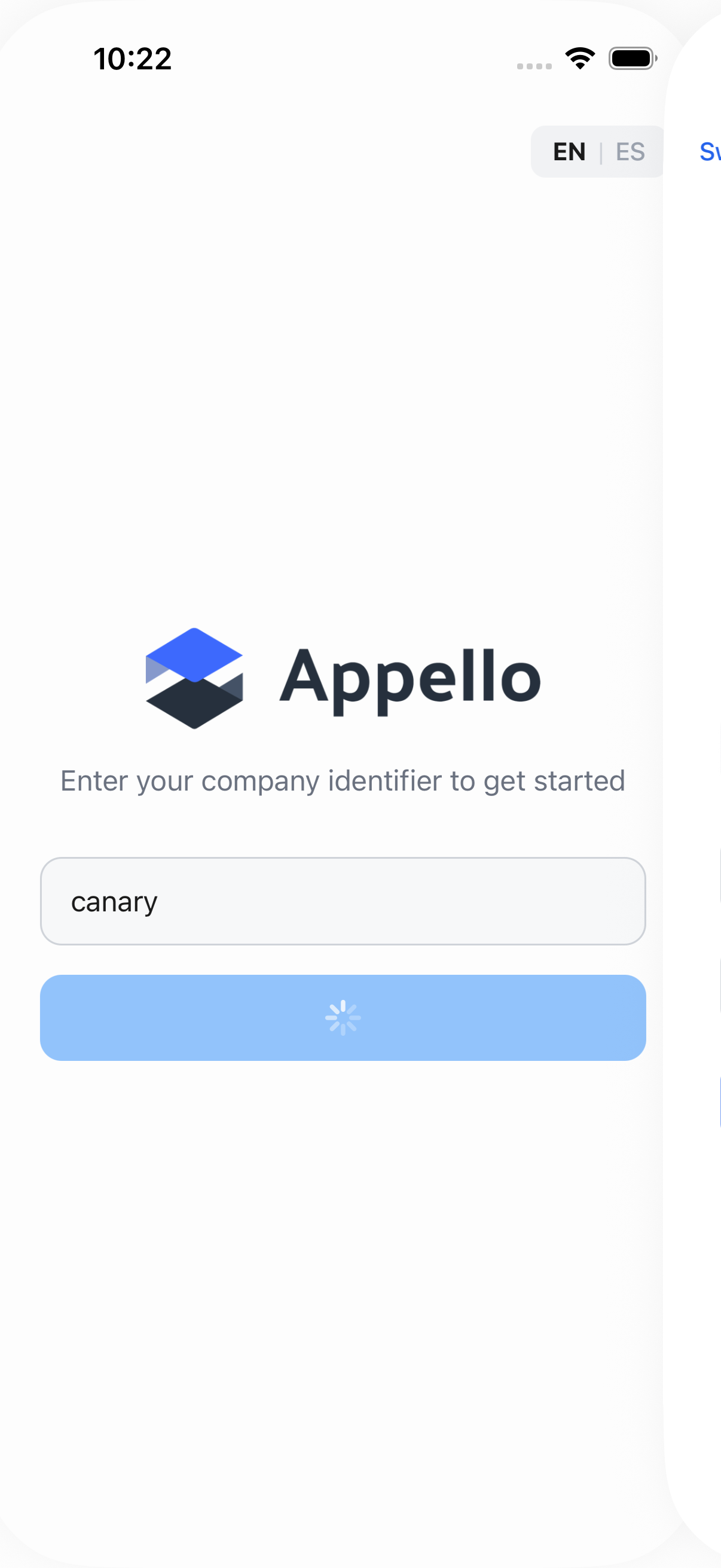
Steps 9–10 — Close the React Native dev-menu drawer if it auto-opened on navigation (development builds only) · The sign-in screen appears once resolveCompany confirms the slug is valid
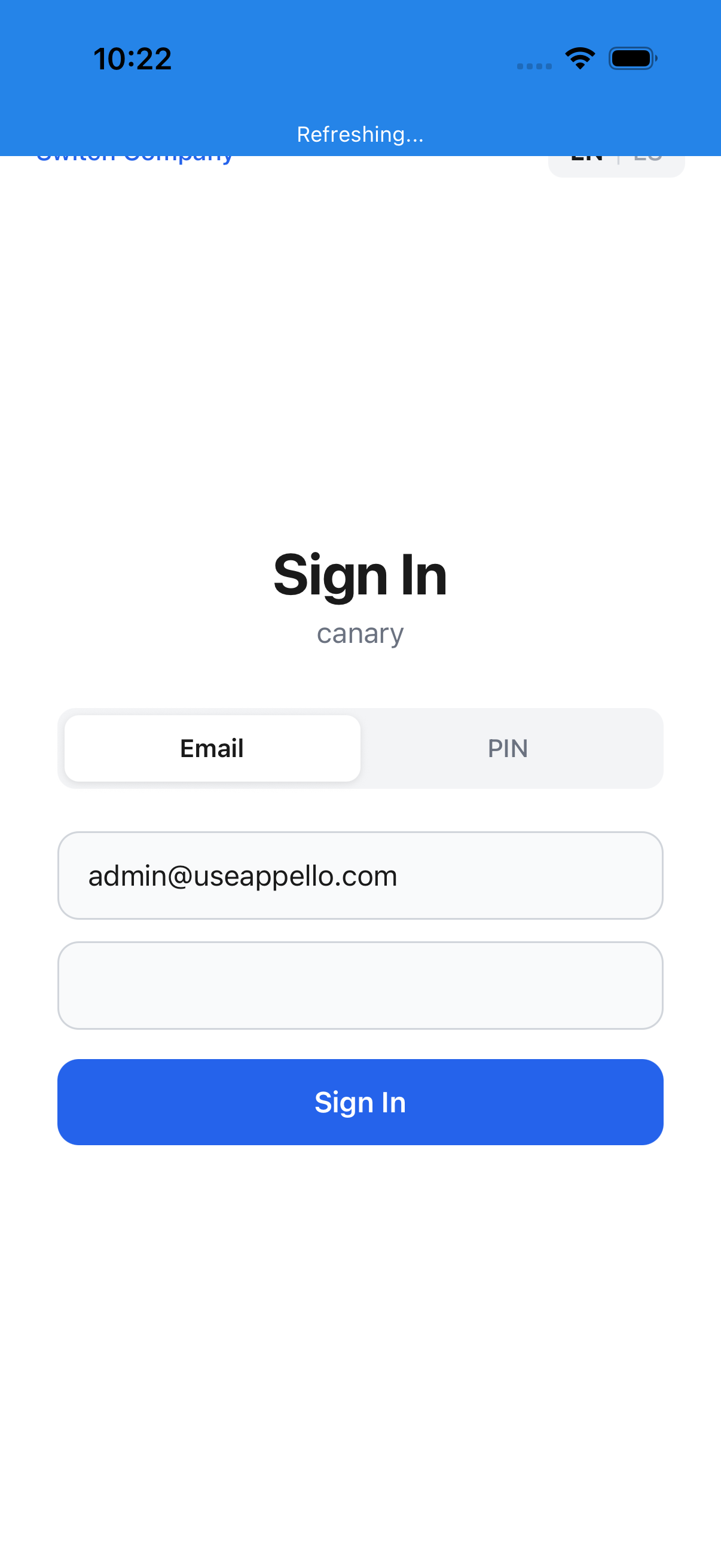
Step 11 — Switch from the default Email tab to the PIN tab — reveals the last-name + PIN fields
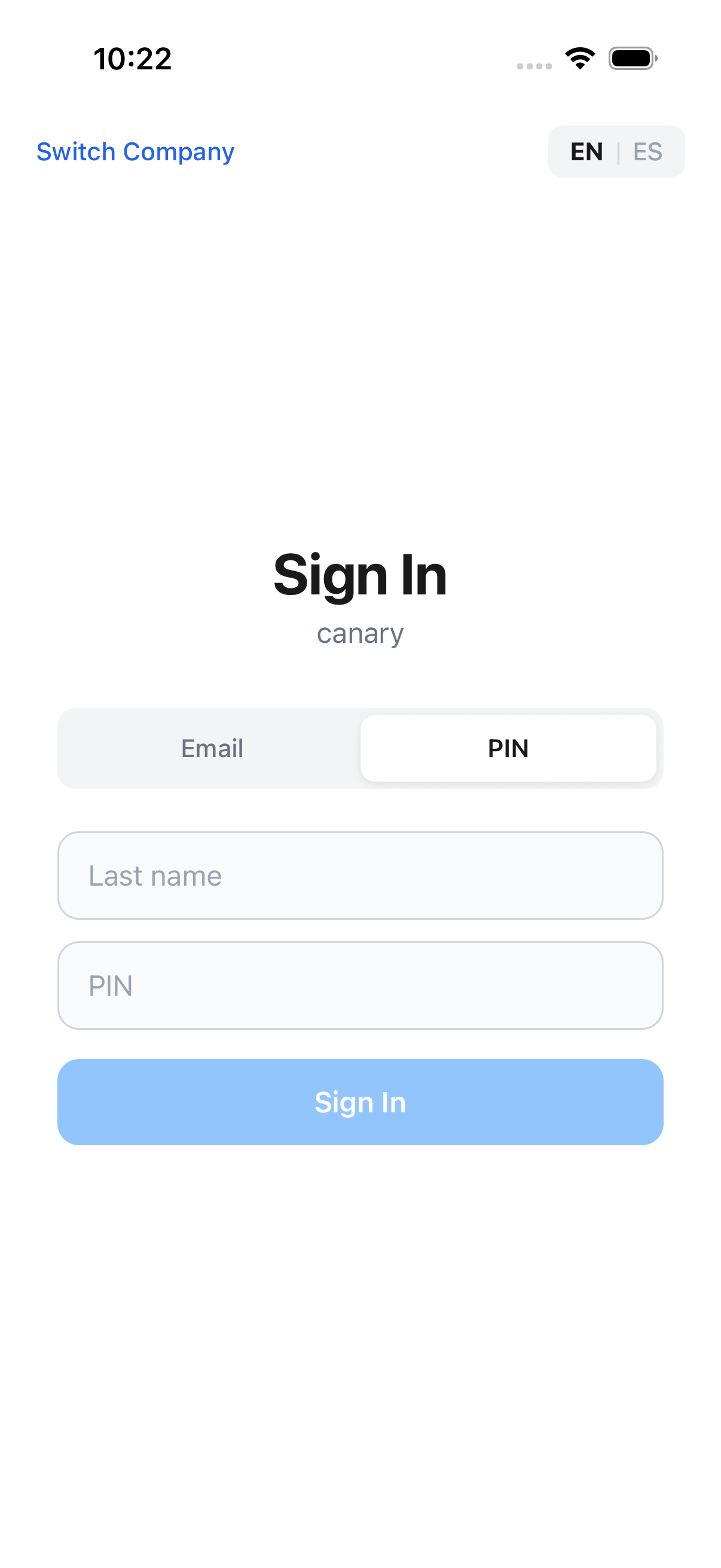
Step 12 — PIN-tab form rendered — last-name field is in the page source
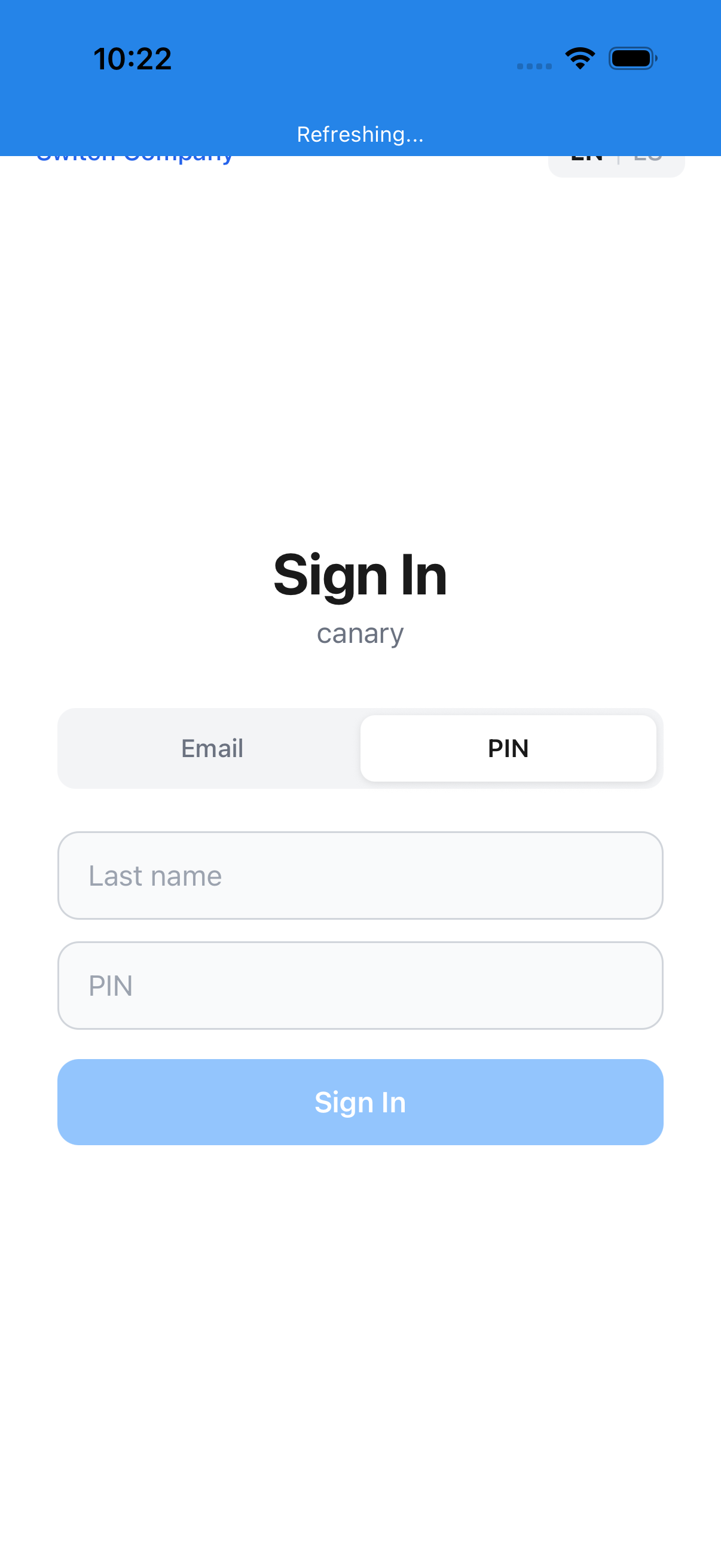
Step 13 — Type the last name one character at a time via W3C key events (~80 ms between chars). The standard clearAndSetValue batches the whole string through POST /element/\{id\}/value, which races with iOS autocorrect on autoCapitalize="characters" fields and drops or reorders chars — verified on 2026-05-19, the first replay turned ISTRATOR into ISTATORR, the form returned "Invalid PIN or last name", and PIN auth failed. typeSlowly fixes it deterministically.
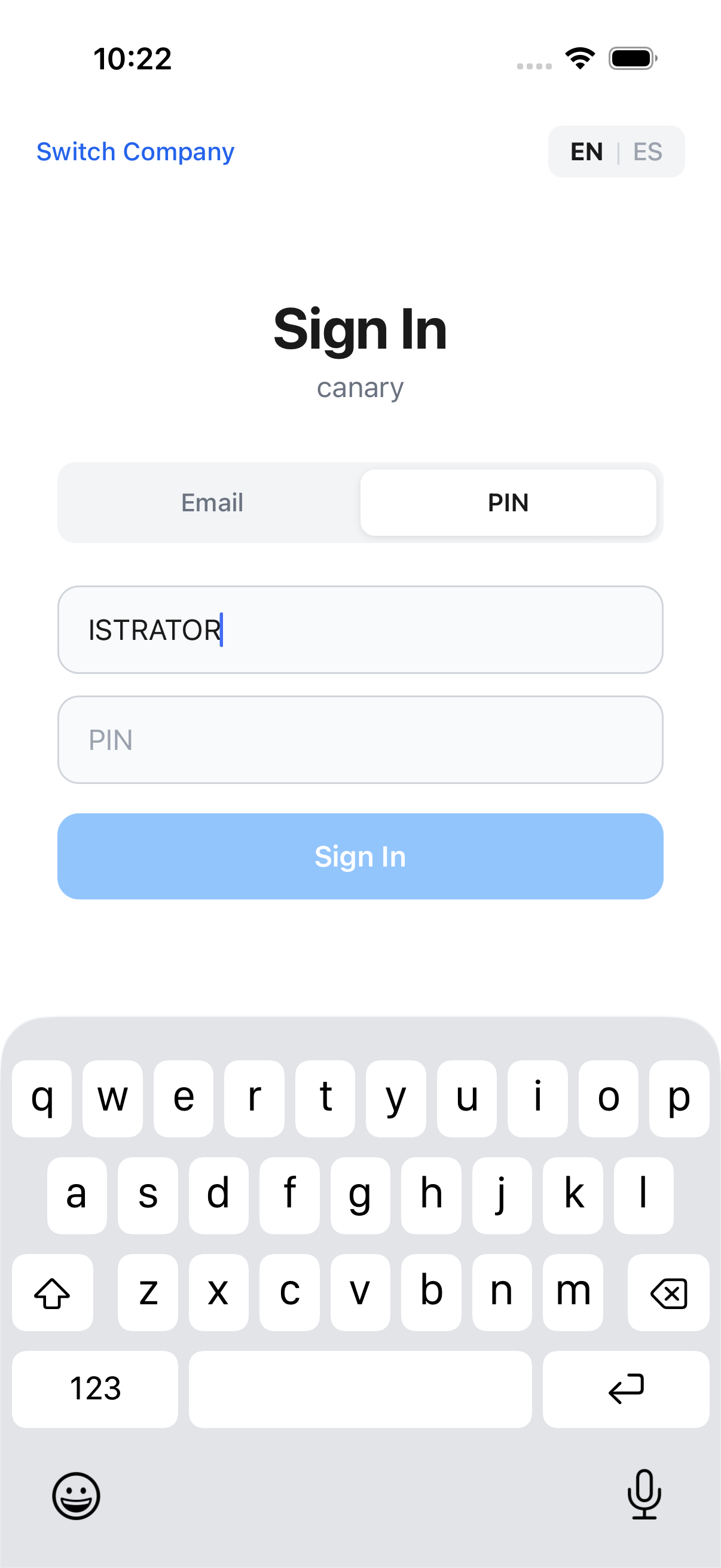
Step 14 — Type the user's PIN — numeric SecureTextField, so clearAndSetValue is required to avoid appending
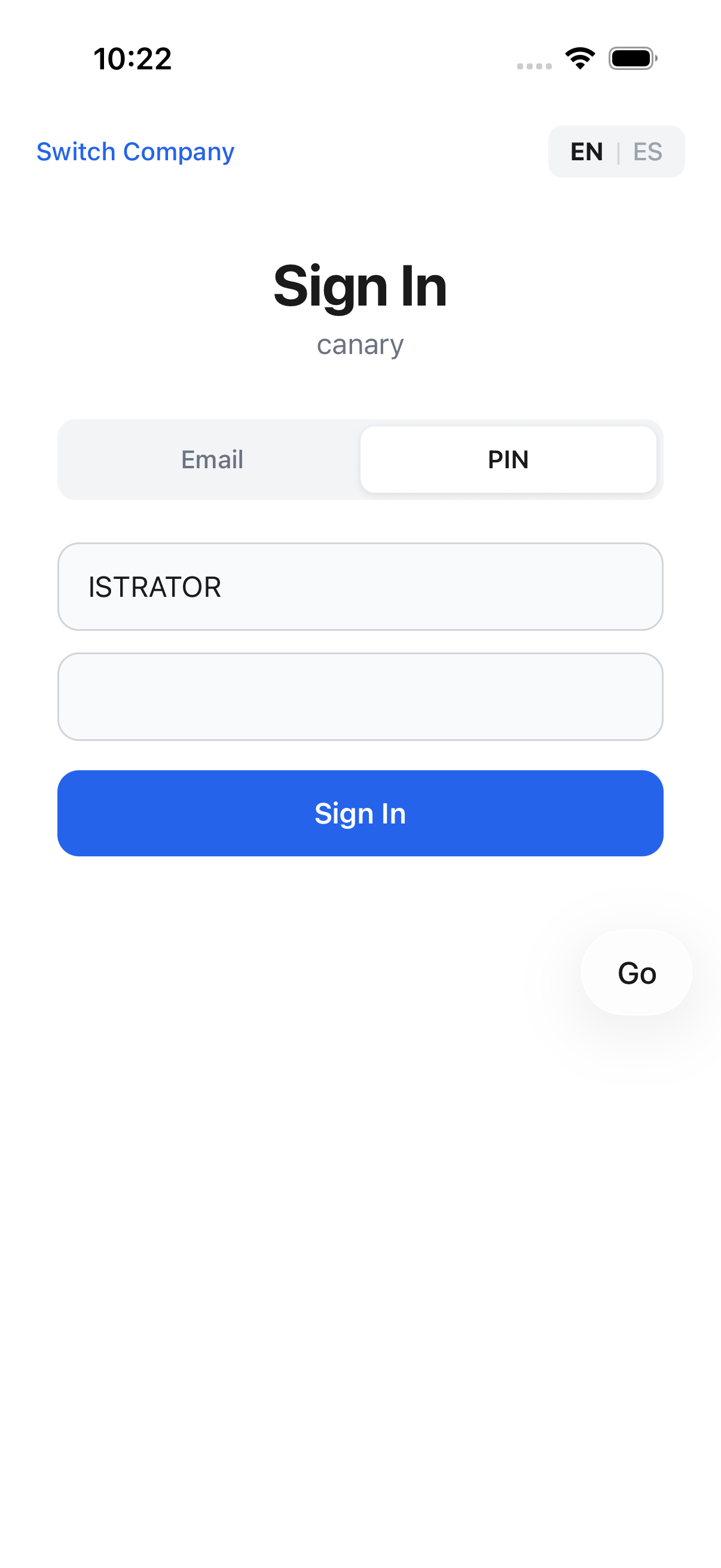
Step 15 — Dismiss the soft keyboard so it doesn't cover the Sign In button
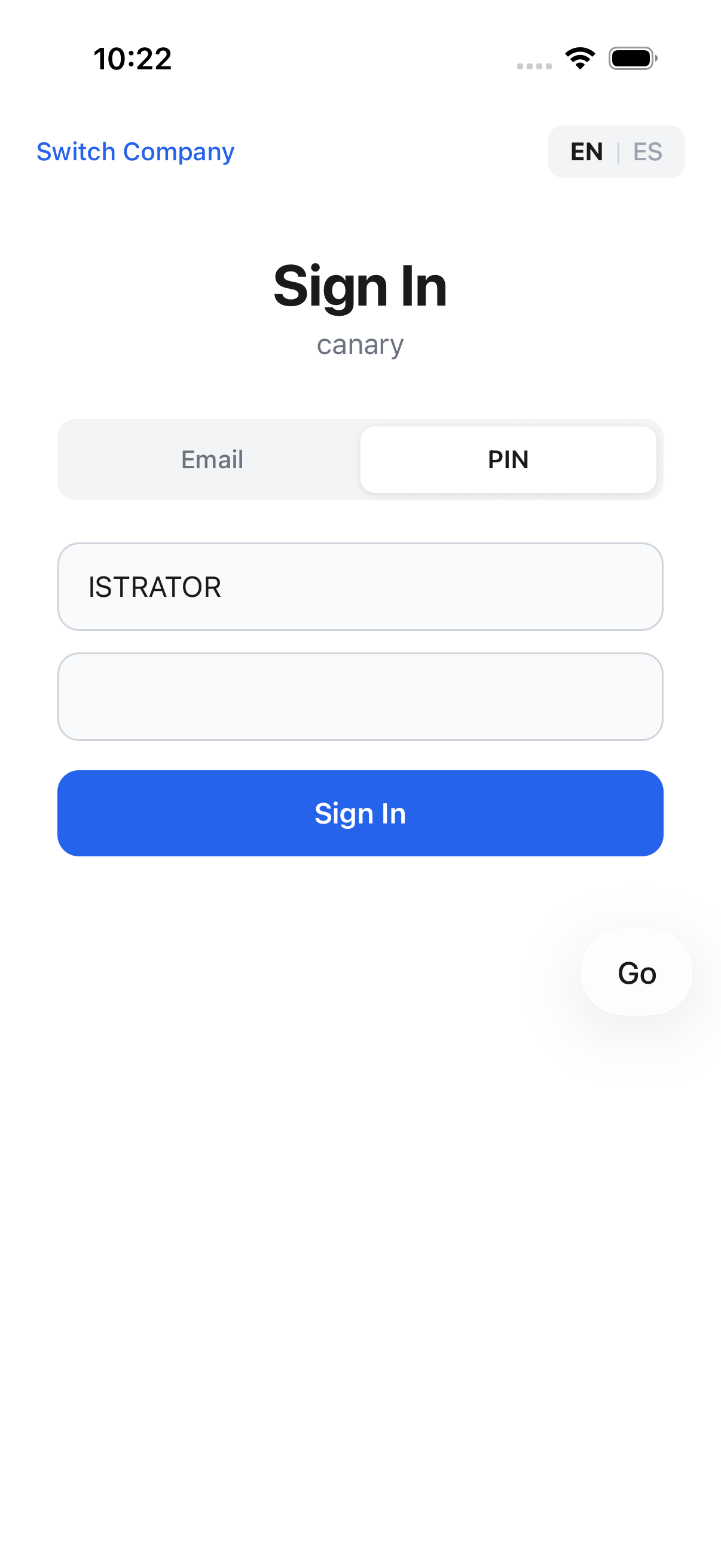
Step 16 — Submit the credentials — the GraphQL signInWithPin mutation runs and writes the token to authStore
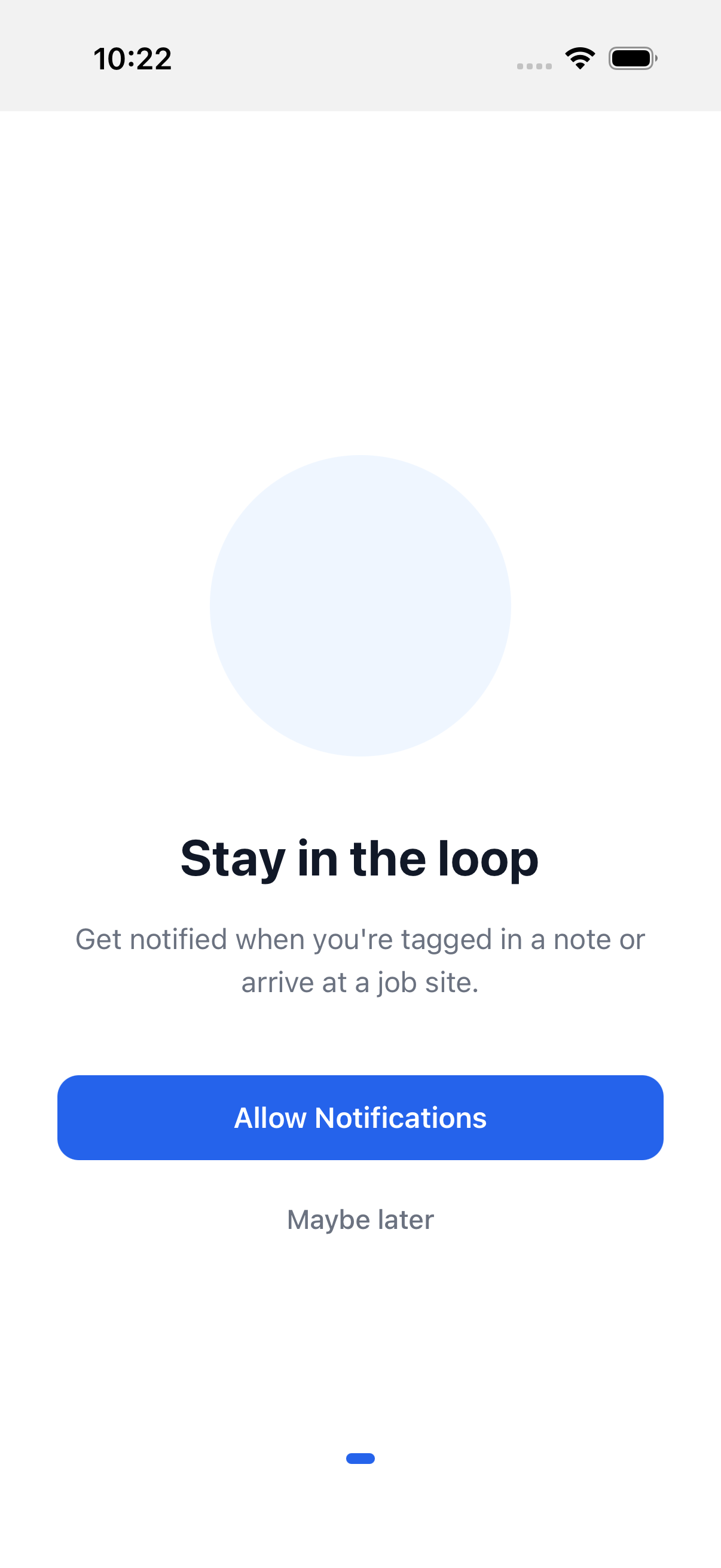
Step 17 — First sign-in after a fresh install shows the "Stay in the loop" push-notification onboarding carousel — wait for it to animate in
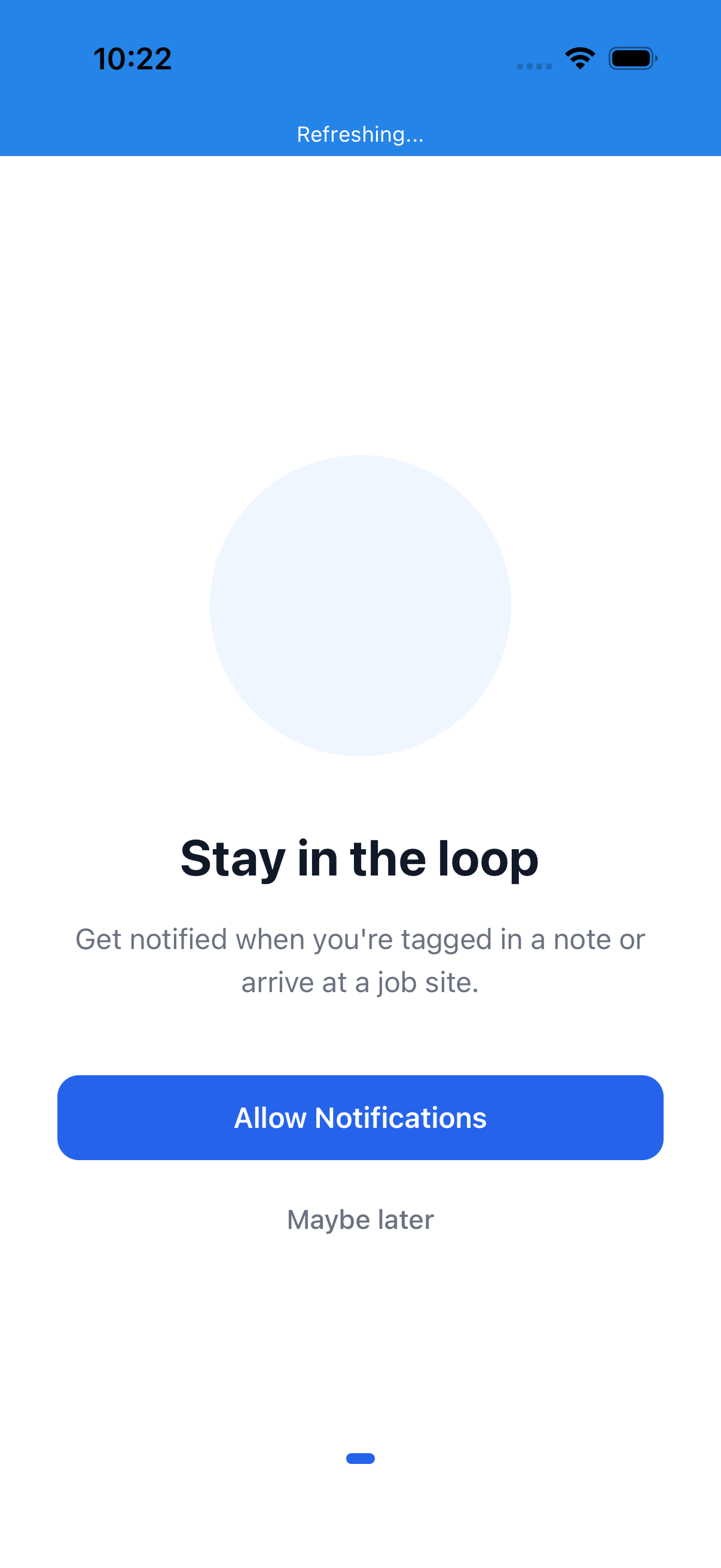
Step 18 — Pressable handler-bind headroom — same race as switch-company-button. carousel-secondary is in the page source as soon as the View mounts, but the React Native Pressable's onPress handler isn't wired for another ~1-3s. The PIN-tab sign-in path completes faster than the Email-tab path (no email/password typing) so the post-auth handlers need more catch-up time here than they do in login.yaml — 2 s was flaky (1-of-2 fail), 4 s has held green across stability runs.
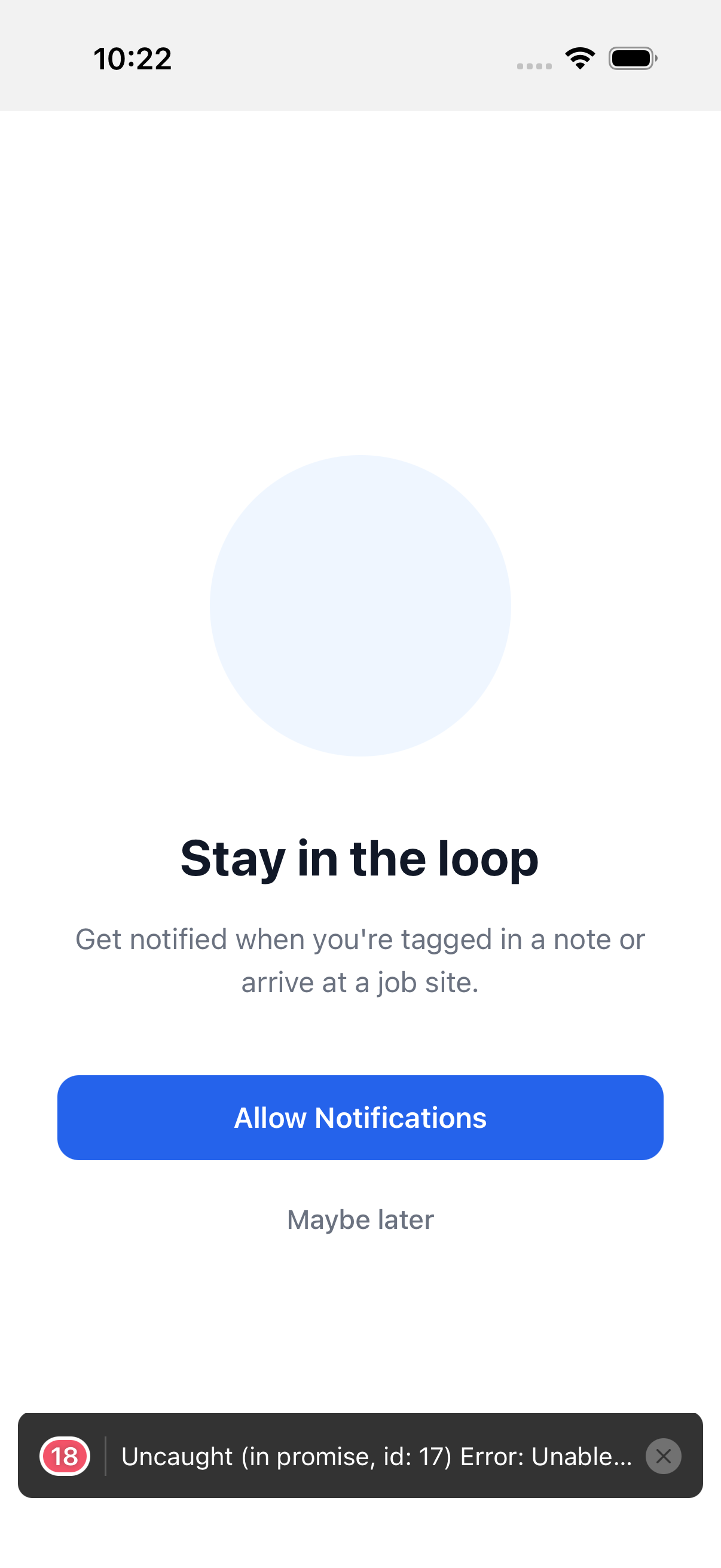
Step 19 — Tap "Maybe later" to defer the notification-permission request and continue to the app
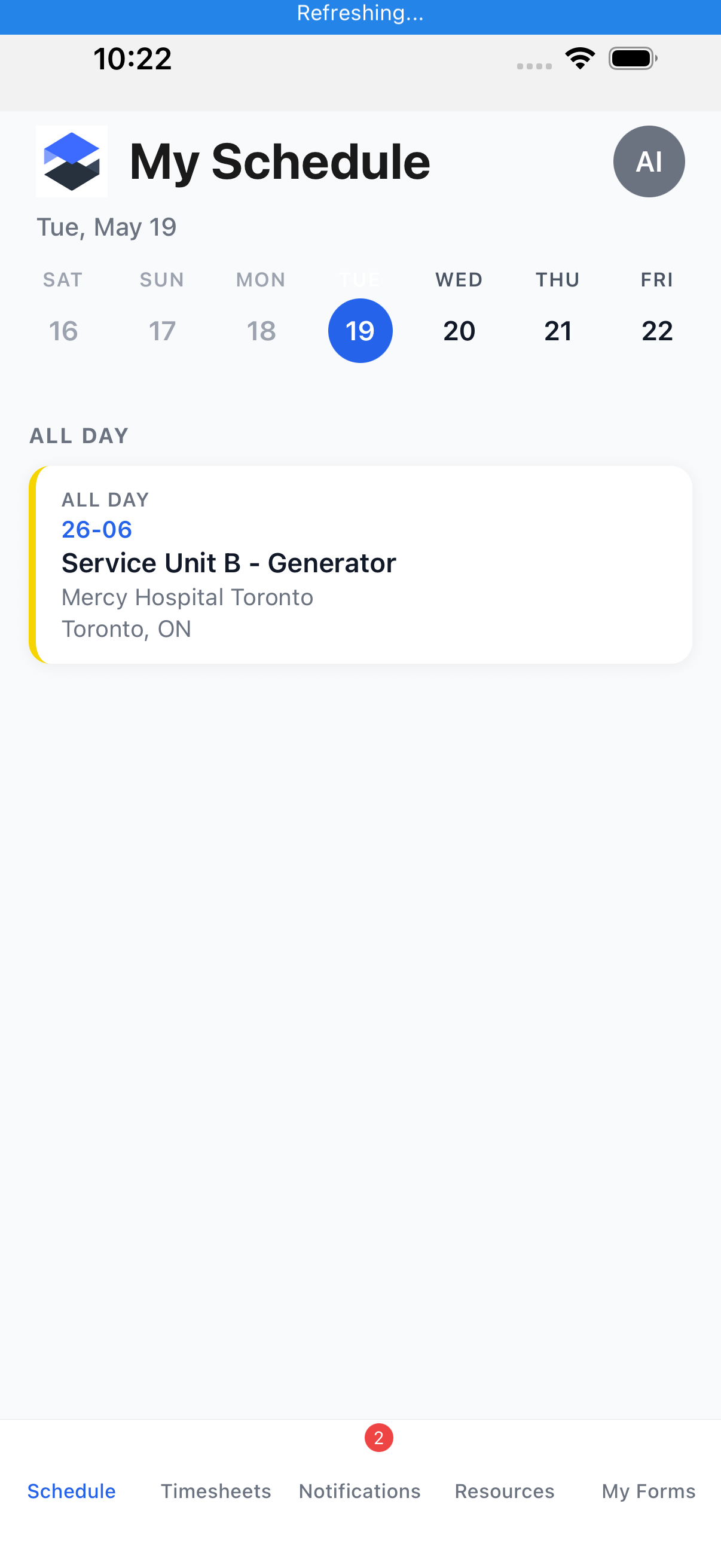
Step 20 — Defensive double-tap — if the first tap raced the handler-bind and the carousel is still showing, this catches it. tapIfPresent is a no-op when the carousel has already been dismissed (the common case), so it costs nothing on the happy path.
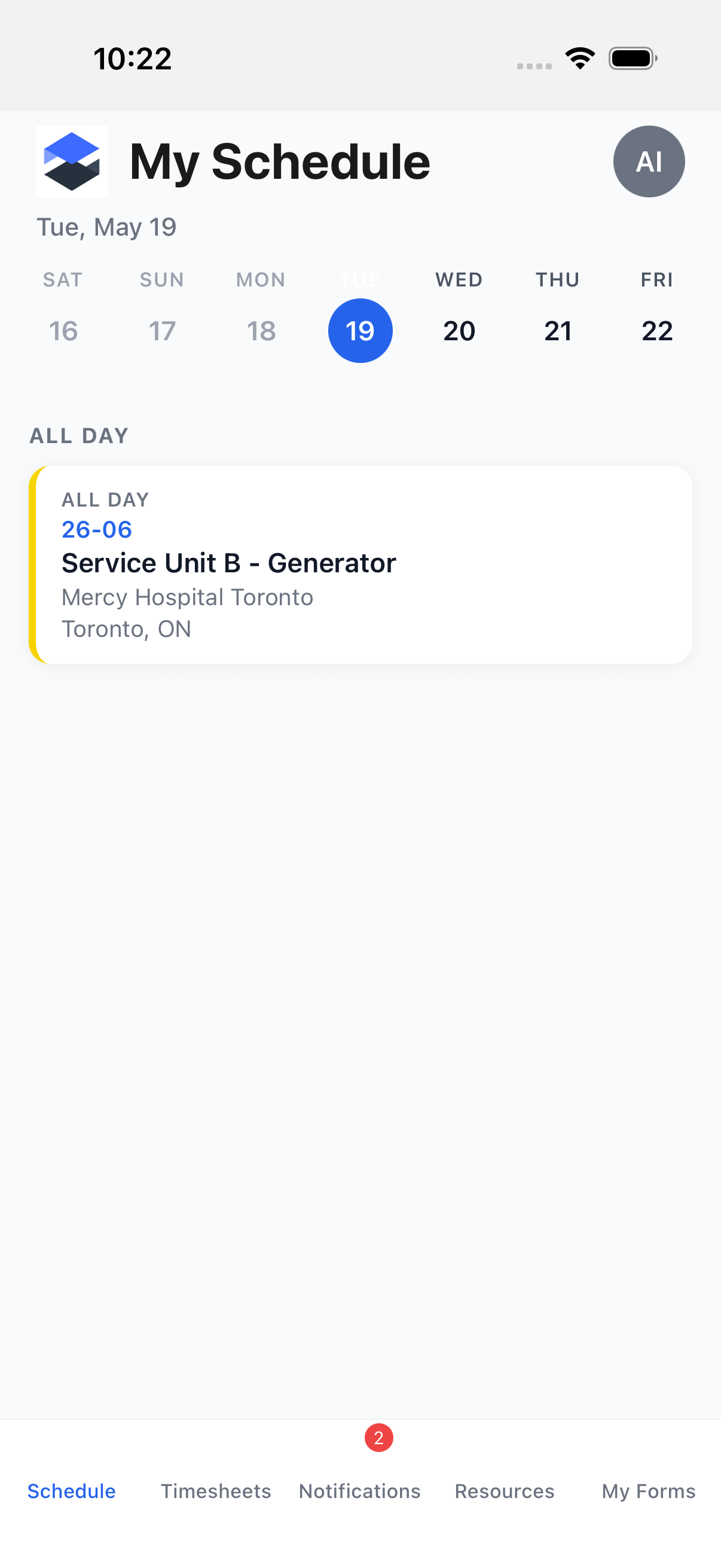
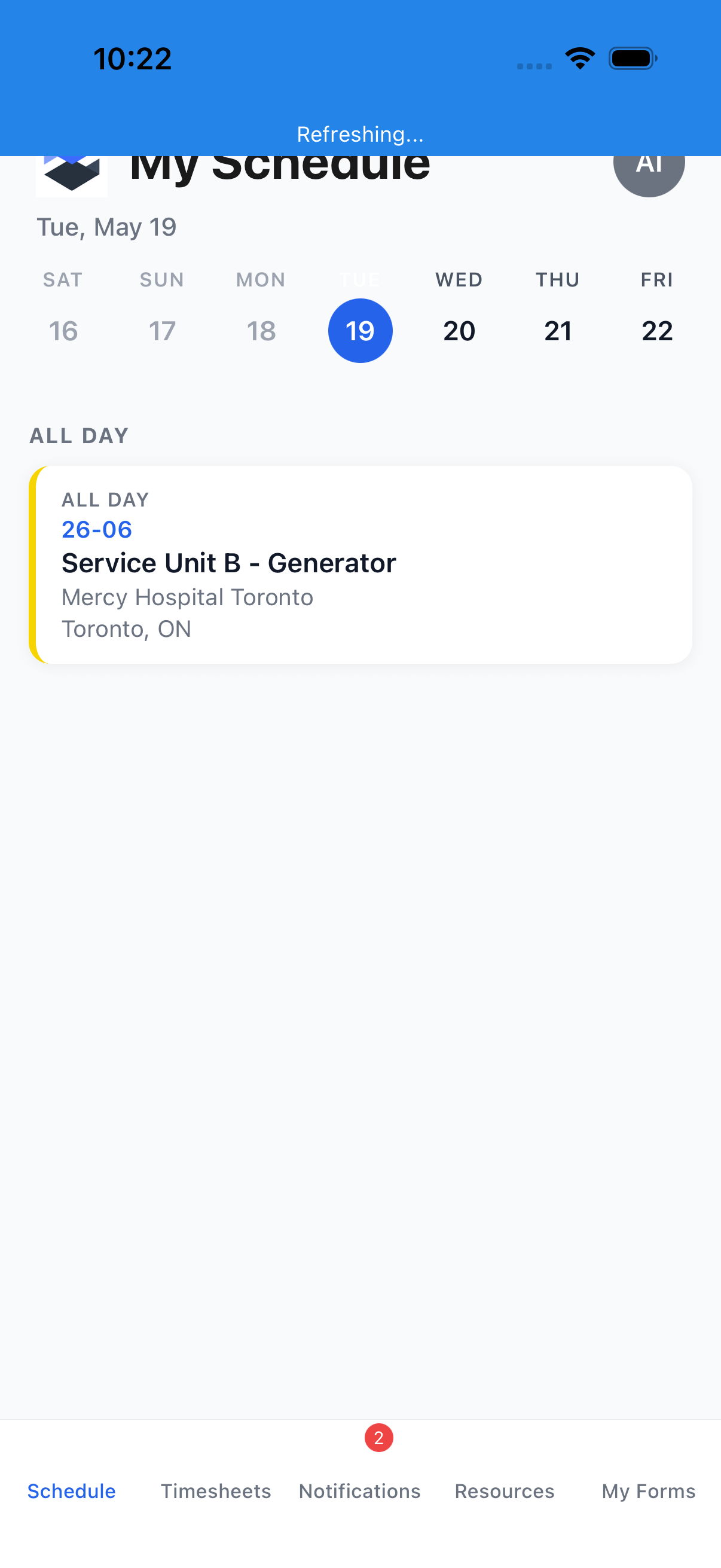
Step 21 — The authenticated app router redirects to the Schedule tab as the default landing screen
Source
- Spec (narrative):
e2e/appium/specs/auth/login.md - Flow (test):
e2e/appium/flows/auth/login-pin.yaml - Last run status: ✅ green